ffmpeg Check a 9:16 Freestyle Clip Before Upload
Short-video platforms re-encode whatever you give them. If the file you upload is already off (wrong frame size, odd frame rate, mono audio, a mastering level that clips), the platform's transcode makes it worse, and you usually find out only after the post is live. This post shows a small ffmpeg check for a 9:16 clip before upload: four ffprobe and ffmpeg commands, the numbers to look for, and a script that turns them into pass/fail lines.
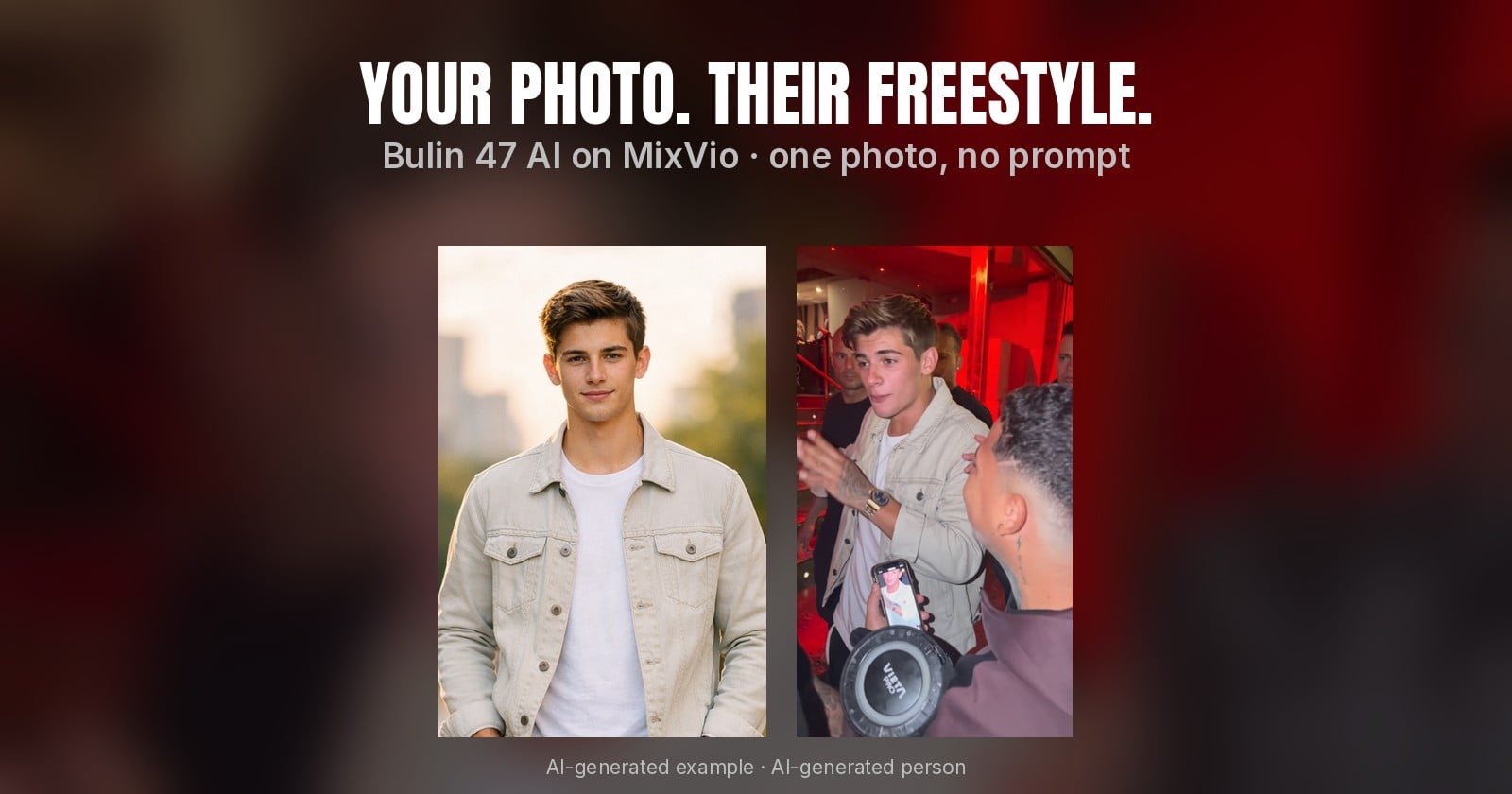
The example file is a 15-second 9:16 street freestyle clip generated from a single AI-generated portrait, plus a 17.5-second export of it with a title card and an end card added for Shorts.
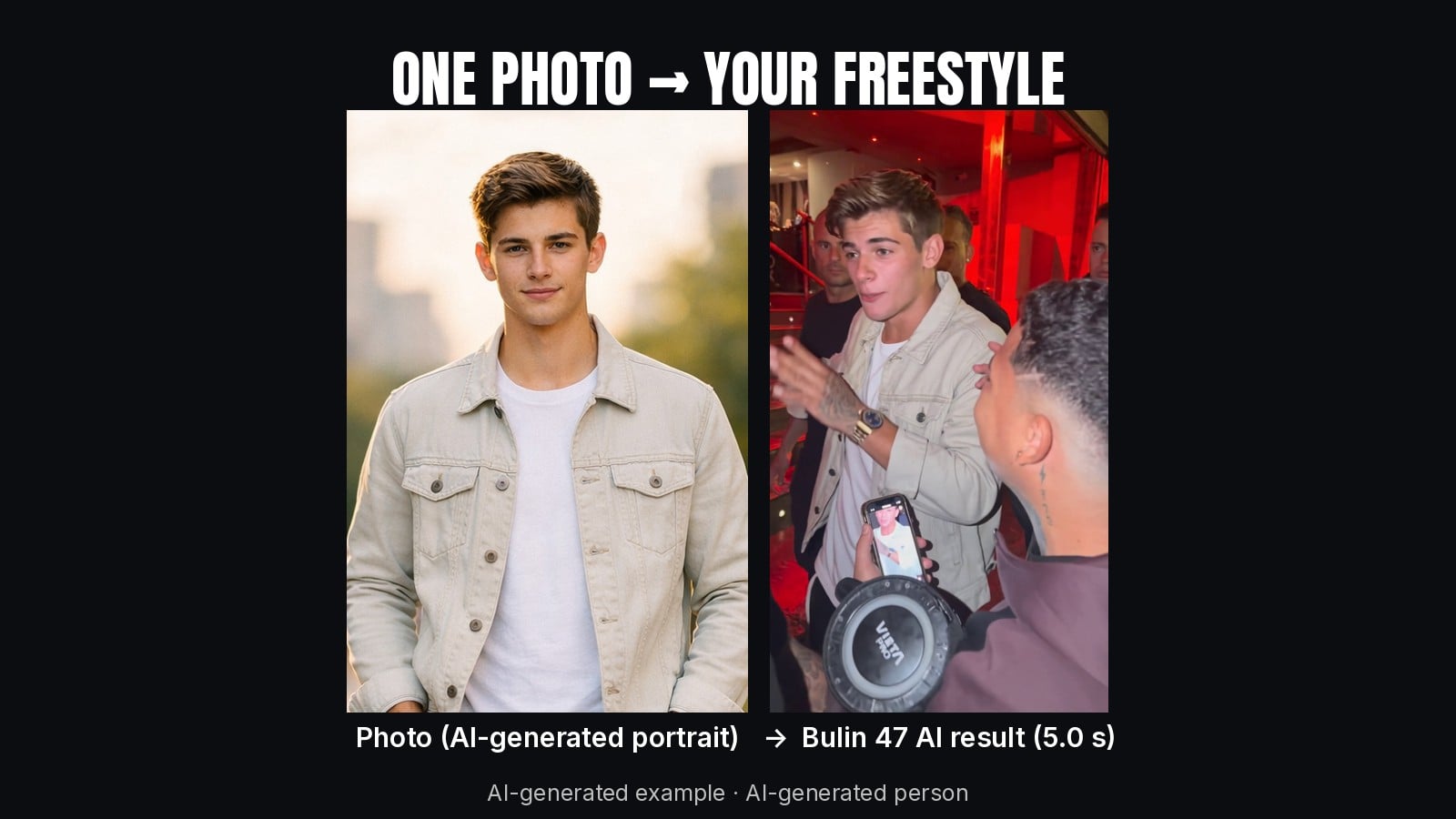
The clip under test. AI-generated example; the lead is an AI-generated portrait, not a real person.
What we want to confirm
For a vertical short going to YouTube Shorts, TikTok or Dailymotion, these are the checks that catch most problems:
Frame size and ratio: 1080 × 1920 for the upload master (9:16). A 720 × 1280 source is also 9:16 but will look soft if the platform upscales it.
Frame rate: a constant 30 fps.
Pixel format:
yuv420p, which every player decodes.Audio: AAC, 48 kHz, stereo.
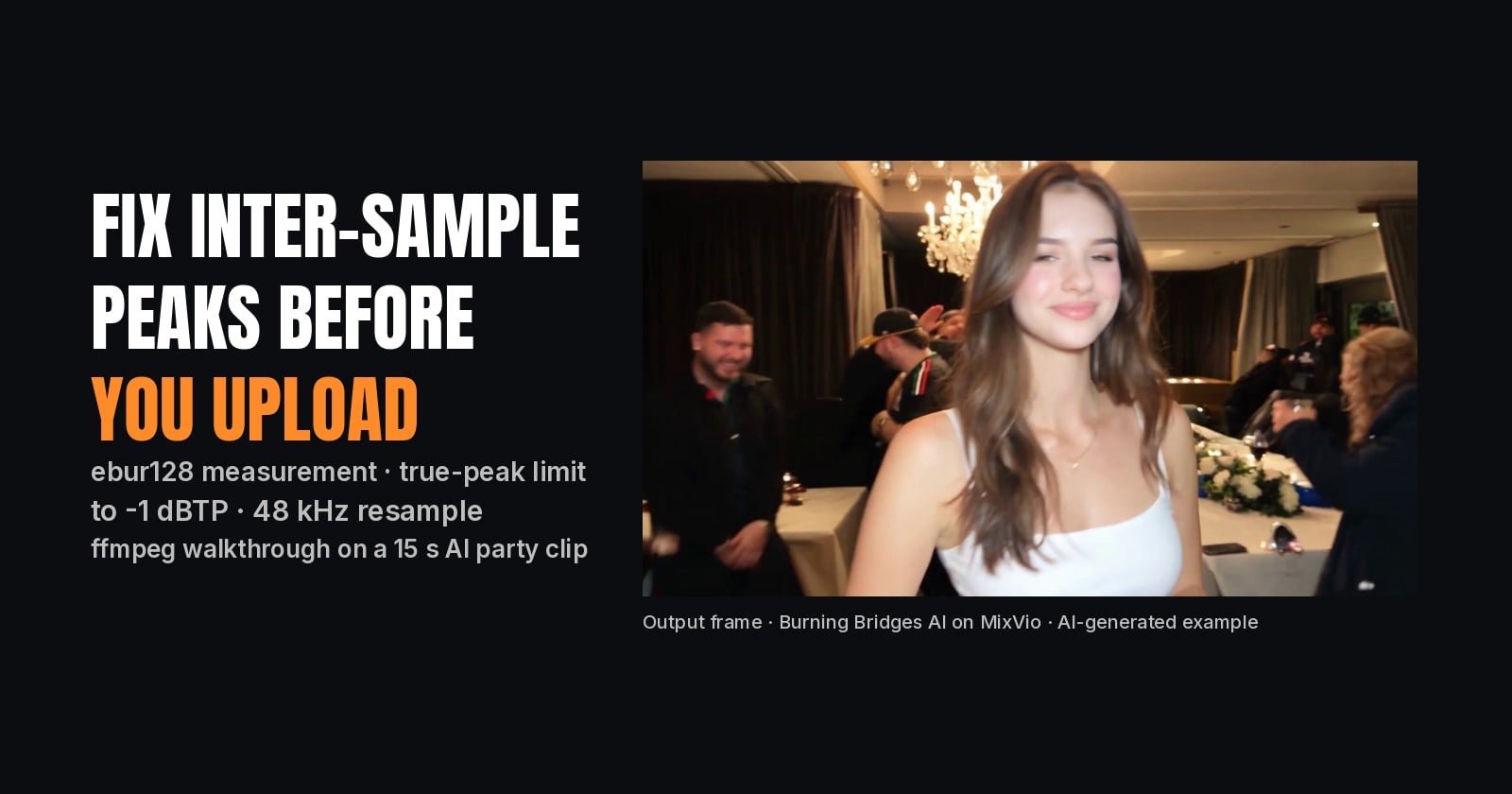
Loudness: integrated around -14 LUFS, true peak at or below -1 dBTP.
Duration: matches what you expect, so no trailing silence or cut ending.
Step 1: video stream
ffprobe -v error -select_streams v:0 \
  -show_entries stream=codec_name,width,height,r_frame_rate,pix_fmt \
  -show_entries format=duration -of default=nw=1 short.mp4
Output for the 1080 × 1920 export:
codec_name=h264
width=1080
height=1920
pix_fmt=yuv420p
r_frame_rate=30/1
duration=17.533333
Output for the raw 15-second generation:
codec_name=h264
width=720
height=1280
pix_fmt=yuv420p
r_frame_rate=30/1
duration=15.000000
Both are 9:16 and 30 fps. The raw file is 720 × 1280, which is why the upload master was scaled to 1080 × 1920 with a Lanczos filter instead of letting each platform do it.
Step 2: audio stream
ffprobe -v error -select_streams a:0 \
  -show_entries stream=codec_name,sample_rate,channels \
  -of default=nw=1 short.mp4
codec_name=aac
sample_rate=48000
channels=2
AAC, 48 kHz, stereo: nothing to fix. A 44.1 kHz or mono track would be worth re-exporting, because some platforms resample with audible artefacts.
Step 3: loudness and true peak
ebur128 measures integrated loudness (LUFS) and, with peak=true, the true peak:
ffmpeg -hide_banner -nostats -i short.mp4 \
  -af ebur128=peak=true -f null - 2>&1 | tail -n 12
Raw generation:
Integrated loudness:
  I:         -15.4 LUFS
Loudness range:
  LRA:         3.7 LU
True peak:
  Peak:       -4.5 dBFS
Upload master:
Integrated loudness:
  I:         -14.8 LUFS
Loudness range:
  LRA:         3.3 LU
True peak:
  Peak:       -3.4 dBFS
The master sits within 1 LU of -14 LUFS and leaves 3.4 dB of headroom, so the platforms' own normalisation won't push it into clipping.
Step 4: a pass/fail script
Reading numbers by eye works once. For a batch, wrap the checks in a short Python script:
import json, re, subprocess, sys

def probe(path):
    cmd = ["ffprobe", "-v", "error", "-show_streams",
           "-show_format", "-of", "json", path]
    return json.loads(subprocess.check_output(cmd))

def loudness(path):
    cmd = ["ffmpeg", "-hide_banner", "-nostats", "-i", path,
           "-af", "ebur128=peak=true", "-f", "null", "-"]
    err = subprocess.run(cmd, capture_output=True, text=True).stderr
    i = float(re.findall(r"I:\s+(-?[\d.]+) LUFS", err)[-1])
    tp = float(re.findall(r"Peak:\s+(-?[\d.]+) dBFS", err)[-1])
    return i, tp

def check(path):
    info = probe(path)
    v = next(s for s in info["streams"] if s["codec_type"] == "video")
    a = next(s for s in info["streams"] if s["codec_type"] == "audio")
    i, tp = loudness(path)
    rows = [
        ("1080x1920", (v["width"], v["height"]) == (1080, 1920)),
        ("30 fps", v["r_frame_rate"] == "30/1"),
        ("yuv420p", v["pix_fmt"] == "yuv420p"),
        ("AAC 48k", a["codec_name"] == "aac"
            and a["sample_rate"] == "48000"),
        ("stereo", a["channels"] == 2),
        ("-14 LUFS +/-1", abs(i + 14) <= 1),
        ("peak <= -1", tp <= -1),
    ]
    for name, ok in rows:
        print(("PASS " if ok else "FAIL ") + name)
    return all(ok for _, ok in rows)

if __name__ == "__main__":
    sys.exit(0 if all(check(p) for p in sys.argv[1:]) else 1)
Run against the upload master, every line passes; the raw 720 × 1280 file fails the frame-size line (and is 0.6 LU quieter), which is exactly the reason to upload the master instead.
Fixing a failed line
Most failures have a one-line fix. Keep the original and write a new file each time.
Frame size:
-vf scale=1080:1920:flags=lanczosupscales a 720 × 1280 clip. It won't add detail, but it gives you control over the filter instead of each platform's.Frame rate:
-r 30forces a constant 30 fps; variable frame rate phone footage is a common cause of audio drift after upload.Audio:
-ar 48000 -ac 2converts to 48 kHz stereo.Loudness:
-af loudnorm=I=-14:TP=-1.5:LRA=11brings a quiet or hot clip close to the target. Run it in two passes for accuracy if the first pass lands more than 1 LU away.
Things this check does not catch
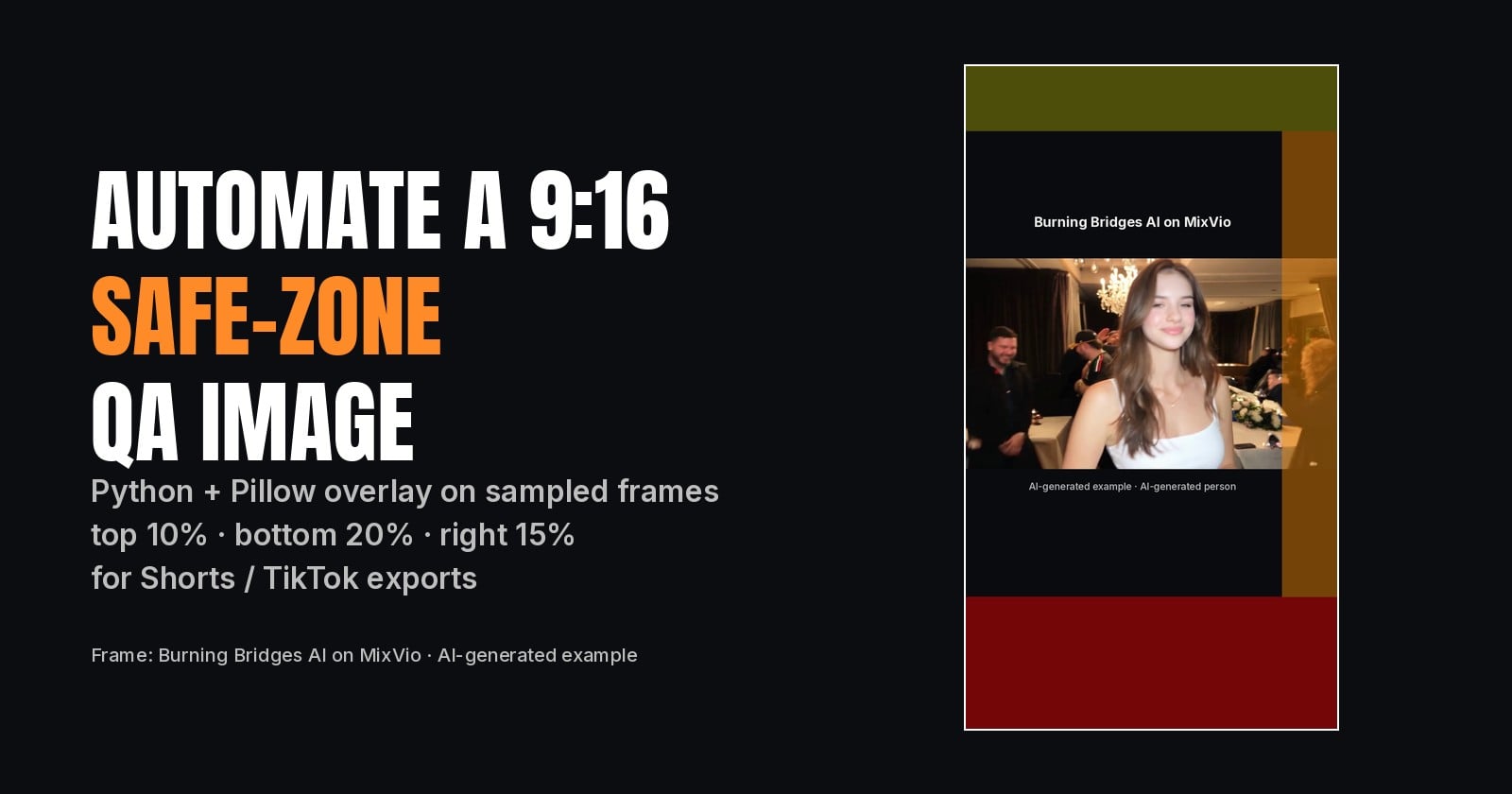
Text in the platform's UI zones. Captions and buttons cover roughly the bottom 20%, the right 15% and the top 8-10% of a vertical frame. ffprobe can't see that; export a frame and look.
Music rights. A clip can pass every technical check and still get a copyright claim. Our example keeps the source clip's original song, so expect a claim on platforms with content matching.
Lip sync. Generated clips can drift; watch the whole thing.
The first frame. Some platforms pick the first frame as the cover. Check what frame 0 shows with
ffmpeg -i short.mp4 -frames:v 1 cover.png.
Summary
Probe the video stream: 1080 × 1920, 30 fps,
yuv420p.Probe the audio stream: AAC, 48 kHz, stereo.
Measure loudness with
ebur128: about -14 LUFS, true peak at or below -1.Script it, and keep the raw generation separate from the upload master.
The example clip in this post was generated with Bulin 47 AI on MixVio. This is an independent MixVio AI effect and is not affiliated with any third-party artist or music rights holder.
Disclosure: written by the MixVio team with AI assistance; the example video was made with MixVio's Bulin 47 AI effect from an AI-generated portrait.