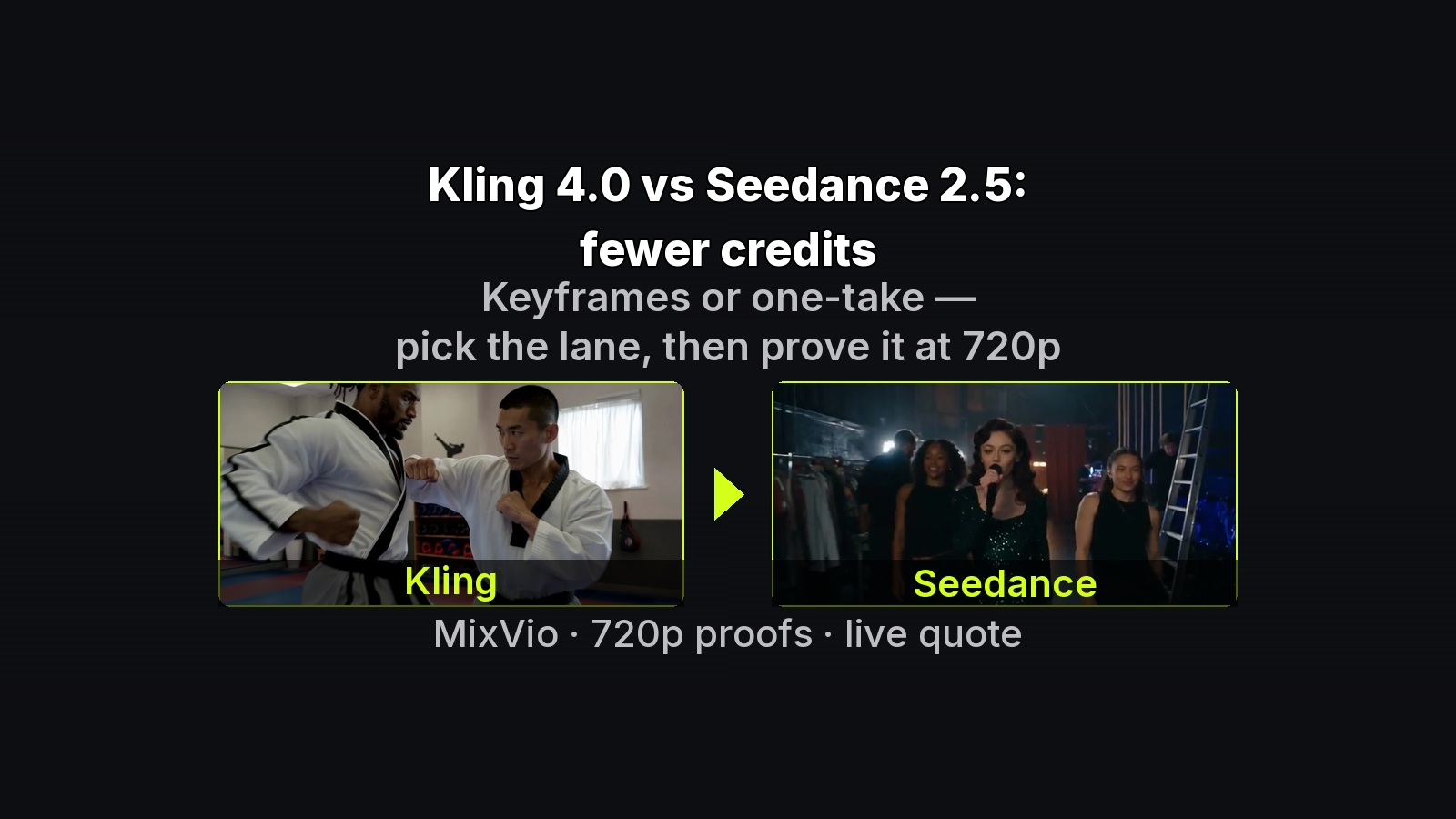
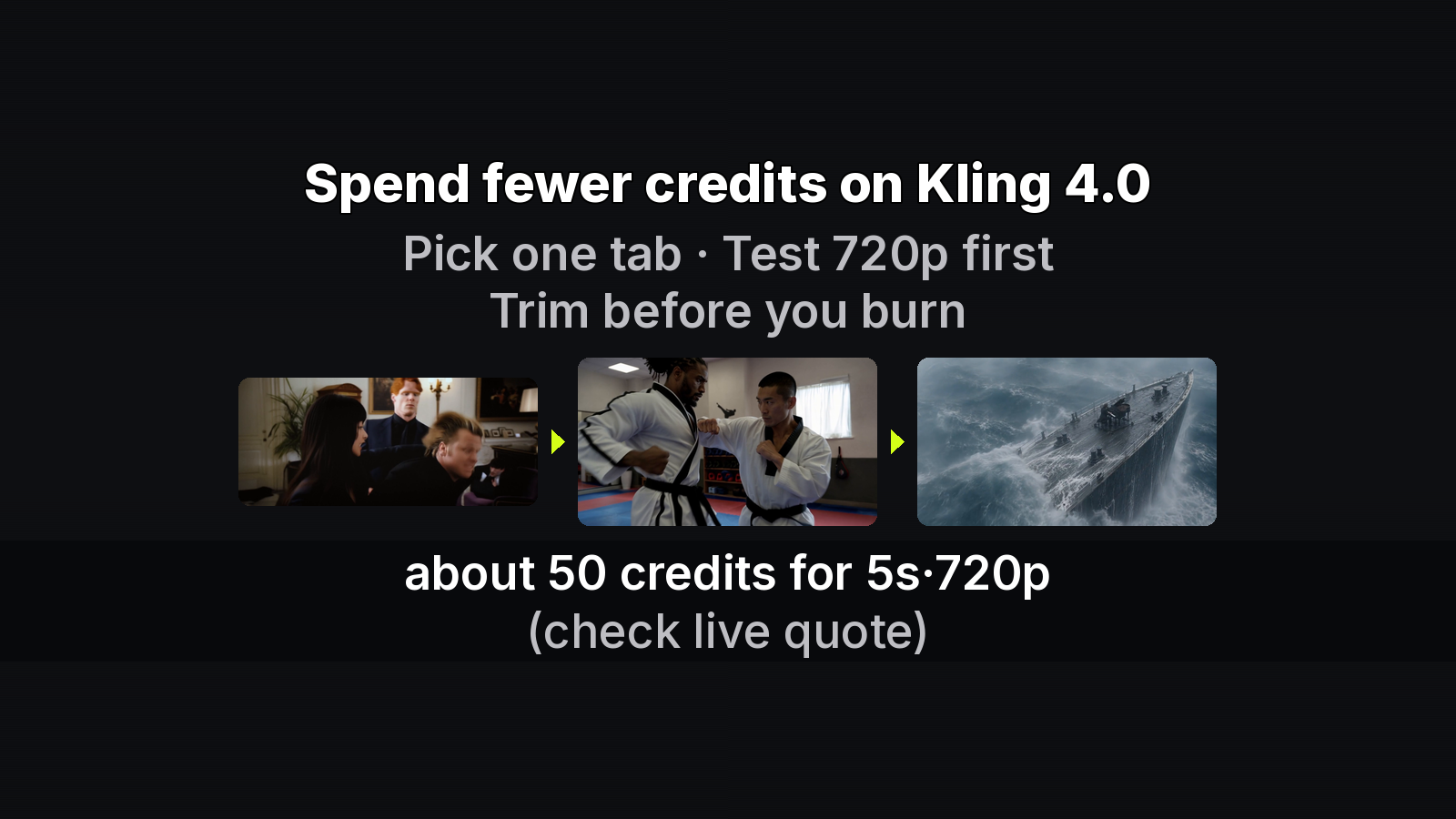
This is a multi-keyframe workflow note for people who think in ordered inputs, not lifestyle tips. Goal: spend MixVio Kling 4.0 credits on validating the frame path, not on ten-frame 1080p guesses. Product links stay to the three places below; no price CTA stack.
Context: MixVio. Workspace flow: Kling 4.0 keyframe flow. Facts from the MixVio Kling 4.0 model page and Kling’s user guide. Samples are MixVio product samples (generated outputs).
Constraint model
keyframes <= 10
  = 1 start
  + 0..8 middle
  + 0..1 end

tags (exact):
  @StartFrame
  @Middle1 .. @MiddleN
  @EndFrame

aspect := start_photo.aspect
duration:
  +frame may lengthen when beats do not fit
  -duration keeps all photos; pauses frames past limit
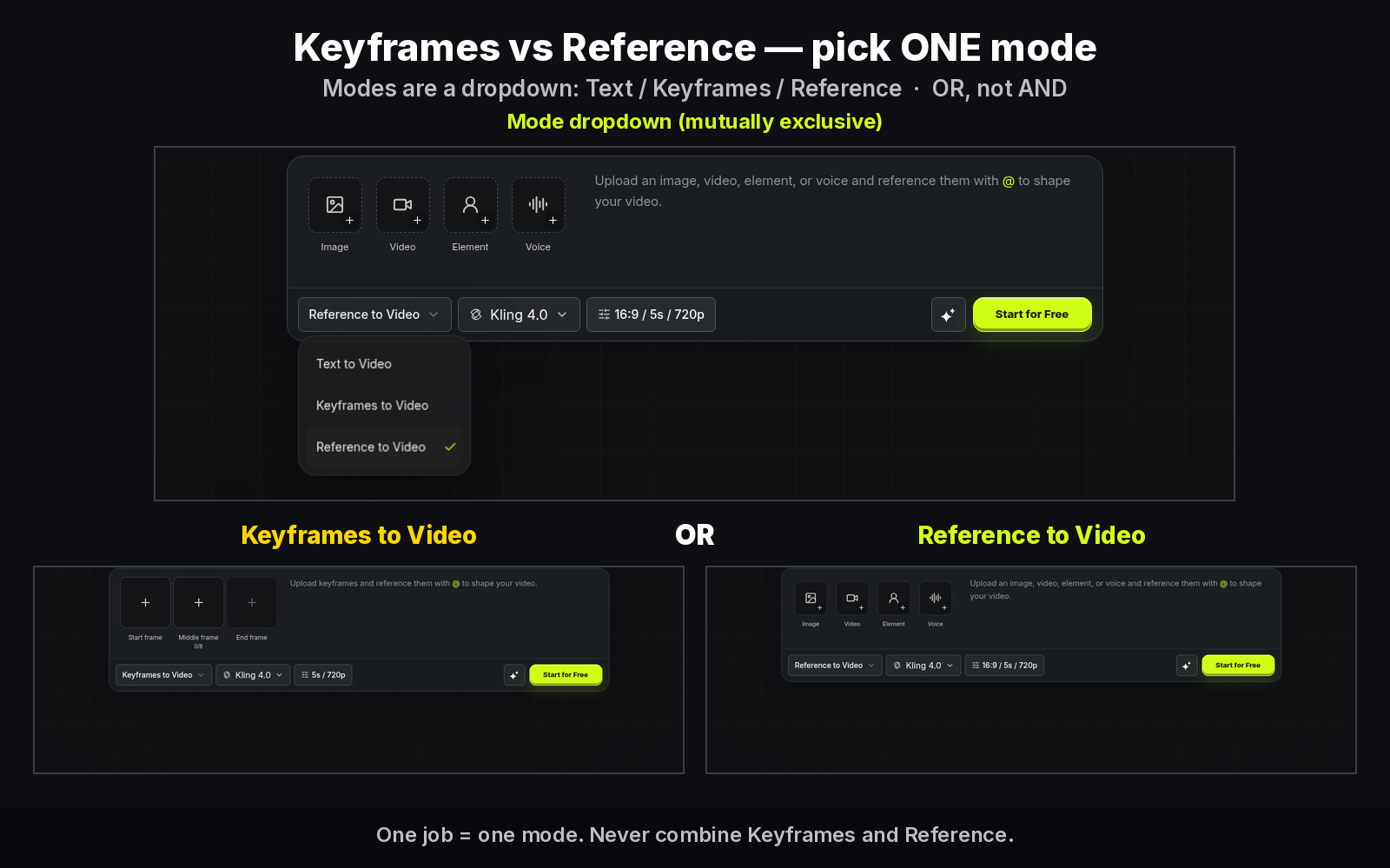
Do not combine Keyframes with Reference in one generation task (Kling UG §2.1; MixVio FAQ “or”). Need identity packs / voice / @Video1? Separate Reference job. Mixing modes is not a “power user” move — it is a failed task.
Why start with three frames
The ≤10 cap is a ceiling, not a target. A three-frame path (open → turn → land) answers the expensive questions early:
- Does aspect from the start photo frame the subject the way you expect?
- Does motion between beats hold wardrobe and face?
- Is duration long enough for the beats you tagged?
Only after that path is stable should you insert @Middle2…@Middle8. Stacking ten frames on the first 1080p pass hides which beat broke.
Minimal prompt skeleton
@StartFrame wide establishing beat.
@Middle1 subject turns toward camera.
@EndFrame hold on face, same wardrobe.
Keep motion continuous; no cutaway.
Keep lines short. Prompt budget on MixVio goes up to 8,000 characters — you rarely need most of it for a three-frame proof. Prefer explicit beat language over adjective piles.
Credit-aware test loop
Default UI: 16:9 · 5s · 720p. About 50 credits for that default on FAQ / JSON-LD wording; live quote on Generate wins. Band 30–536. Citeable examples: 30 / 119 / 447 / 536 (119 and 536 include reference-video seconds — irrelevant on a pure Keyframes job unless you later switch tabs).
Recommended loop:
- Upload 3 frames only (start / middle / end).
- Generate at 720p · 5–10s.
- Inspect path stability between beats.
- Add middles only after the three-frame path holds.
- Raise duration / 1080p last.
Pseudo-check before Generate:
function readyForGenerate(job) {
  if (job.mode !== "keyframes") return false;
  if (job.frames.length < 1 || job.frames.length > 10) return false;
  if (!job.prompt.includes("@StartFrame")) return false;
  if (job.resolution === "1080p" && job.proofs720p < 1) return false;
  return Number.isFinite(job.liveQuoteCredits);
}
Tag helpers (illustrative — not an SDK):
assert_case("@StartFrame")  # not @startframe
assert_case("@Middle1")
assert_case("@EndFrame")
# Reference-only tags like @Image1 / @Video1 belong in another job
Duration behavior to remember
- Adding a frame can lengthen the video when the current duration cannot hold every beat
- Shortening duration keeps every photo and pauses frames past the limit
- Crop the start photo before upload; aspect follows start
Treat duration as a function of beat count, not a vanity slider.
What MixVio does not offer here
No 4K / HDR / Flash / two-minute extension / video editing on MixVio. Official marketing may list wider vendor options on the Kling feature page; quote MixVio FAQ for this workspace. Failed runs return reserved credits. Native stereo is always on (no audio toggle / no separate audio line).
Mapping frames to seconds (heuristic)
There is no official “N frames = M seconds” formula on MixVio. Use this practice rule instead:
- Start at 5–10s with three frames
- If a beat feels rushed, raise duration before adding another middle
- If a beat is missing, add one middle and only then reconsider duration
- Re-read the live quote after every change that touches duration or resolution
# operator checklist (markdown, not an API)
[ ] mode == keyframes
[ ] frames in 1..10
[ ] start cropped
[ ] @StartFrame present
[ ] resolution == 720p OR proofs720p >= 1
[ ] liveQuoteCredits read from UI
Failure modes worth a cheap re-run
- Wrong aspect: start photo was not cropped — fix start, keep the same three tags, stay on 720p
- Soft middle: path between start and end drifts — replace
@Middle1before stacking@Middle2 - Overlong first try: you opened at 20–30s — cut back to 5–10s; you already know the expensive answer
Each of those is a short proof problem. Paying 1080p prices to discover them is optional.
Related reading
For Omni Reference marketing context and vendor entry-point language, see Kling’s feature page and UG §2.1 cited above. For MixVio credit examples and live-quote behavior, stay on the model-page FAQ — do not import third-party credit tables.
Ship checklist
- Exact tag casing
- Start-photo crop before upload
- One mode per job
- Short 720p proofs first
- Trust live quote
- Middles only after three-frame stability
When the three-frame path is stable, run the keyframe checklist — then stack middles deliberately.
About the author
- MixVio AI is a multimodal creative workspace for generating and editing images, video, and audio with leading AI models and practical creative tools.
Comments
Join the discussionNo comments yet. Be the first to comment.