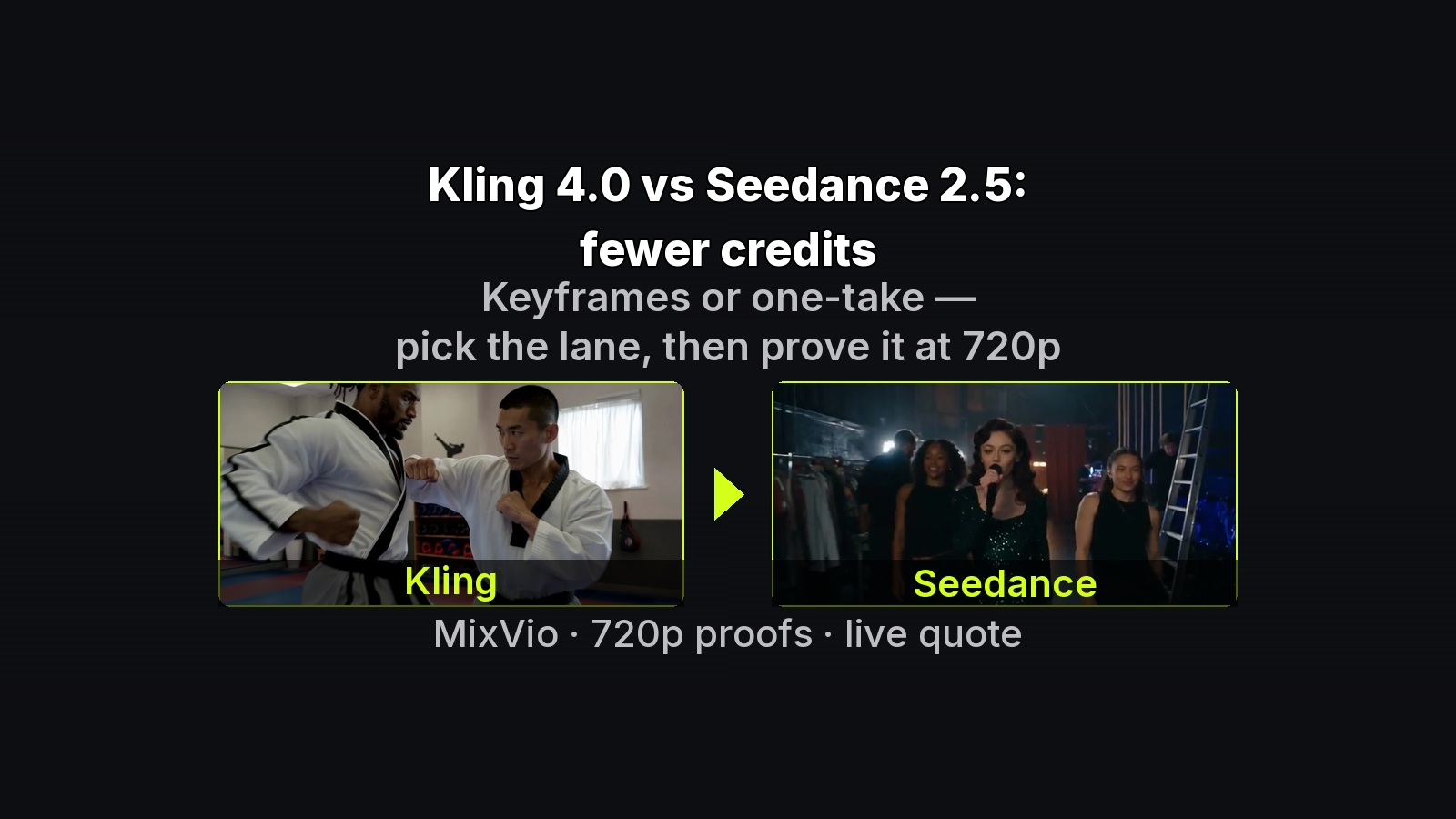
If you think in inputs and caps, the Kling-vs-Seedance choice on the MixVio workspace is a workflow fork, not a style preference. Kling 4.0 exposes ordered keyframes and a separate reference path. Seedance 2.5 exposes bookend frames or a large multimodal pack. Both punish mixing mutually exclusive modes and both price reference-video seconds into the reservation.
This note stays technical: mode contracts, tag grammar, caps, and a credit-safe proof ladder. Product facts checked 2026-10-28 against MixVio model pages plus Kling’s public docs. Figures are official MixVio model-page composites.
Mode contracts (pick one path per job)
Kling 4.0 — three alternatives
- Text — ideation pass; no locked visual input
- Keyframes — ordered stills; ≤10 frames (start + ≤8 middle + optional end)
- Reference — identity / product / motion / voice; ≤10 photos, ≤5 videos
Invariant: Keyframes and Reference cannot share one generation. Kling’s user guide states the same for Omni Reference vs Keyframes as separate entry points. Background marketing lives on the feature page; MixVio workspace limits stay with the model-page FAQ.
Duration: whole seconds 3–30. Output: 720p or 1080p. Native stereo always on.
Seedance 2.5 — two alternatives
- First + optional last frame — bookends only; no full pack in same job
- Multimodal pack — owned file set; ≤30 images, ≤10 videos, ≤10 audio (50 total)
Duration: 4–30s. Output: 480p / 720p / 1080p. Native audio on public routes.
Invariant: frames mode and pack mode are exclusive.
Tag grammar
Kling multi-keyframe and reference tags
Open Kling multi-keyframe and reference tags when beats must stay ordered:
@StartFrame: <role>
@Middle1: <role>
@EndFrame: <role>   # optional
Aspect follows the start photo. Point at frames explicitly; do not rely on upload order alone.
Kling reference
@Image1: <what this photo provides>
@Video1: <what this clip provides>   # casing matters
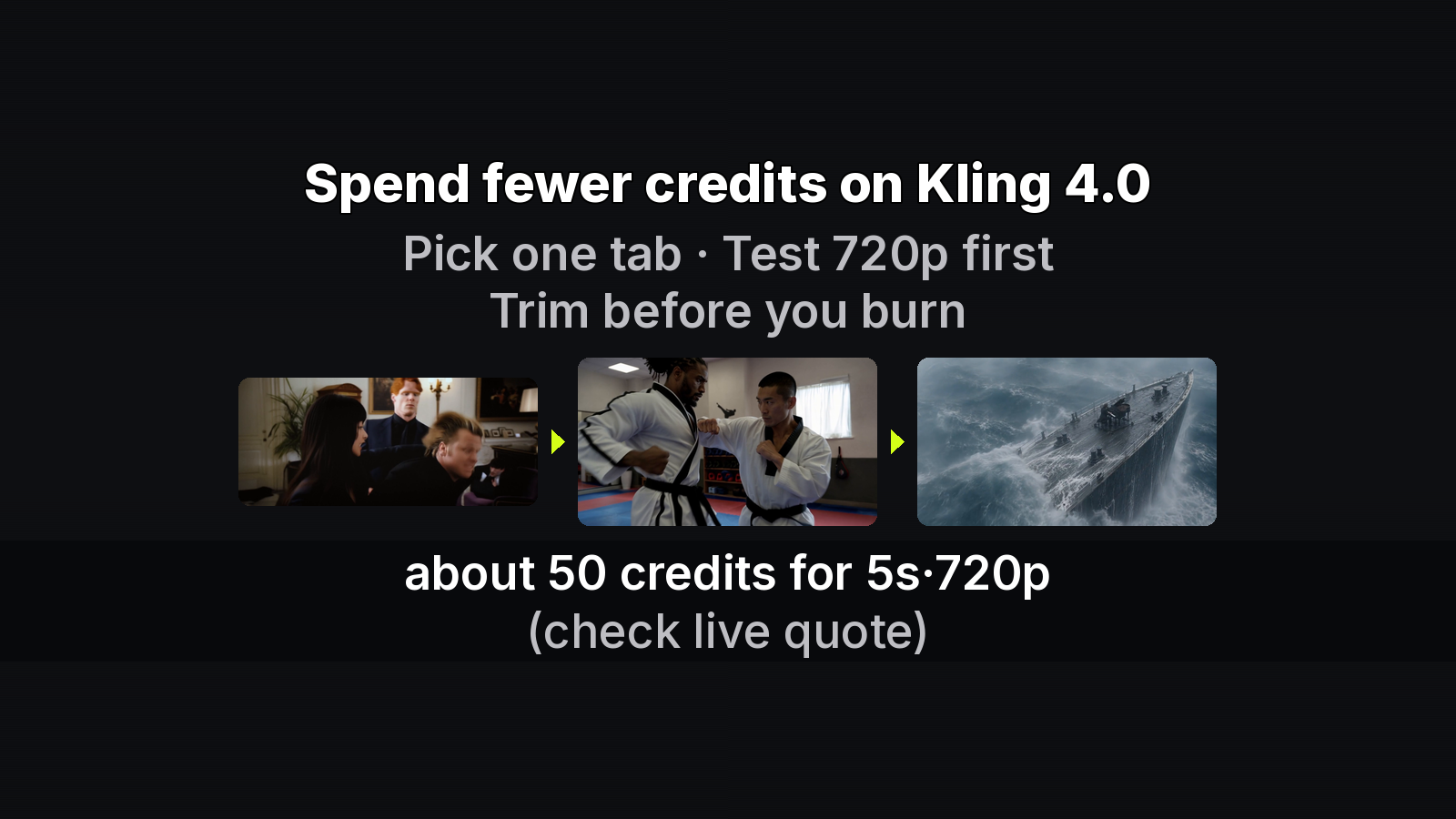
Trim @Video1 to the motion you need — reference-video seconds move the quote; still photos do not.
Seedance pack
@ImageN: <provides …>
@VideoN: <provides …>
@AudioN: <provides …>
Vague “use the references” mixes roles. Name the job of each file.
Credit anchors (always confirm live quote)
Kling 4.0 (MixVio page examples): 3s 720p from 30; default 5s 720p ≈ 50; 10s 720p + 10s ref video 119; 30s 1080p no ref 447; table top 536. Failed runs return reserved credits.
Seedance 2.5: from 38 (4s 480p) up to 1320 with a full reference-video request. Duration, resolution, and reference-video seconds change the reservation. Failed runs cost no credits (page FAQ).
Proof ladder (credit-safe)
1. Classify brief → checkable inputs | ordered beats | continuous one-take | loose ideation
2. Open matching model + ONE mode
3. Upload / tag inputs; trim ref video
4. Generate short 720p proof (Kling ~5–10s; Seedance ~8–12s)
5. Inspect spelling / identity / beat order
6. If keeper → raise length or resolution once
7. If fail → fix inputs or mode; do not re-roll text-only for unseen labels
Three input recipes
A — Product label (checkable spelling)
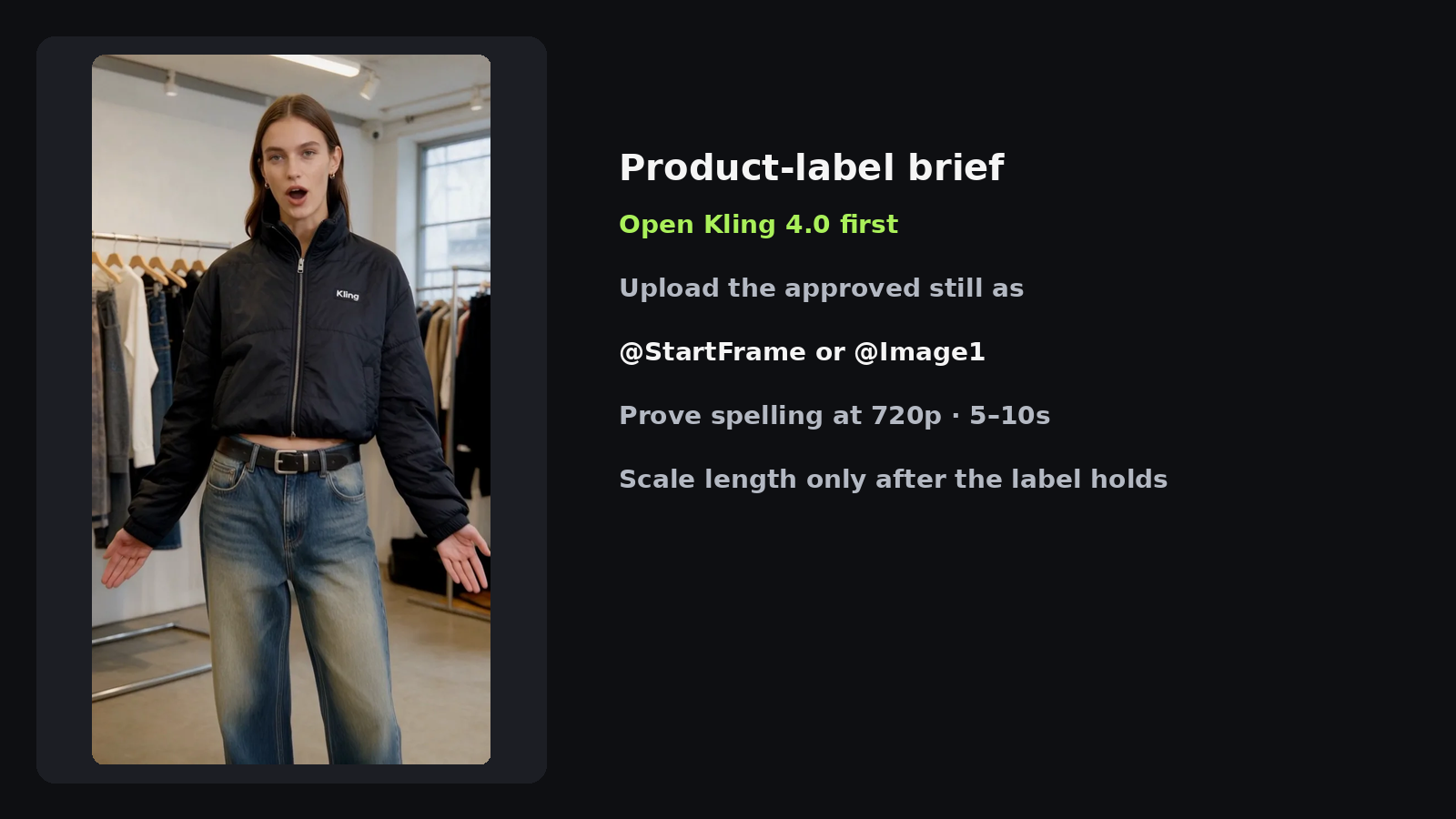
Open Kling. Feed approved art as @StartFrame or @Image1. Proof at 720p. Do not ask text-only to invent on-pack spelling.
B — Continuous one-take / vlog
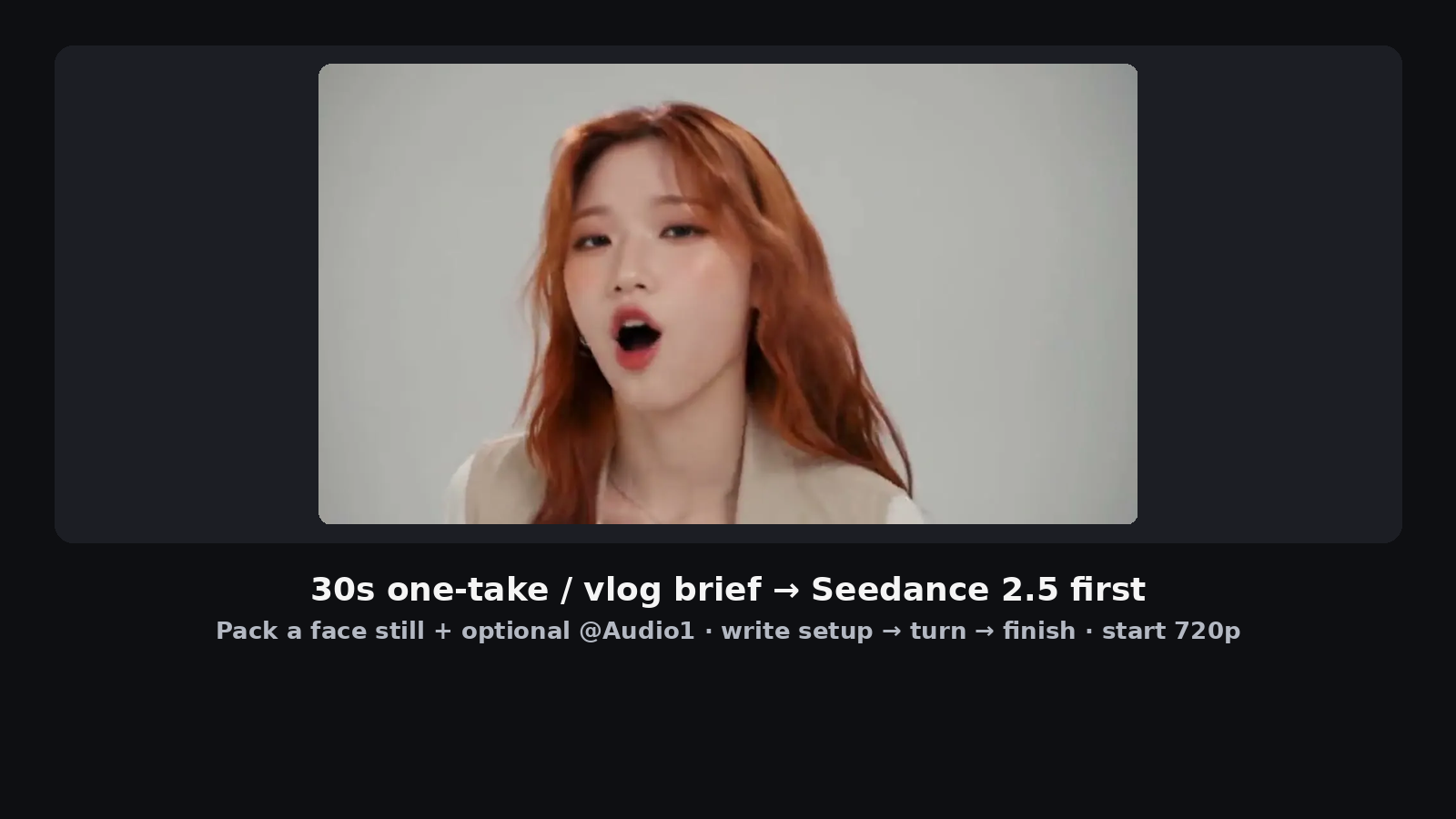
Open Seedance pack. @Image1 face, optional @Audio1, prompt as setup → turn → finish. Proof 8–12s at 720p before stretching to 20–30s.
C — Ordered beats vs continuous action
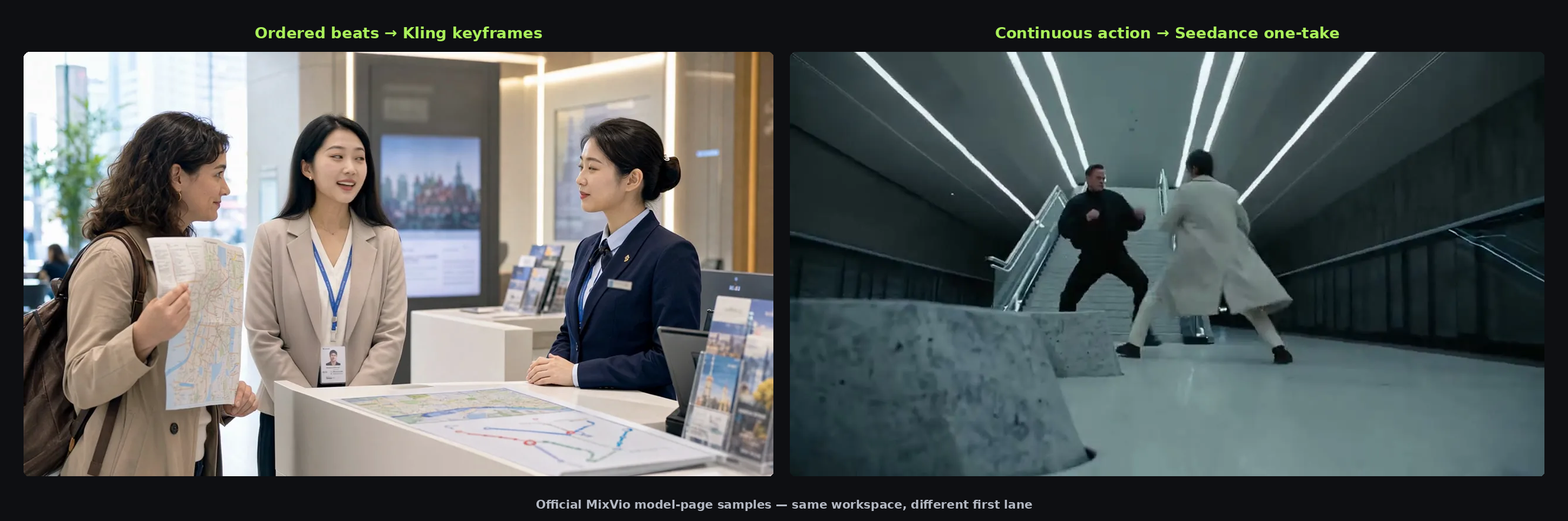
Fixed order → Kling keyframes. Continuous motion from your clip → Seedance @Video1 (or Kling reference for named elements). Never combine exclusive modes.
Failure modes that waste the reservation
- Wrong exclusivity: uploading keyframes and reference on Kling, or frames and pack on Seedance, forces a re-path — credits already reserved on the bad shape do not teach you the take.
- Untagged uploads: files without
@ImageN/@VideoN/@AudioN(or Kling@StartFrame/@Image1) often resolve as ambient noise instead of constraints. - Long ref video for a short gesture: both models price reference-video seconds into the quote; trim to the motion you need before Generate.
- 1080p / full-length first: you learn whether tags resolve on a short 720p pass; length is a second purchase after the keeper exists.
Minimal pre-flight
- One mode selected
- Caps respected (≤10 Kling frames; ≤50 Seedance files)
- Tags + per-file role lines
- Ref video trimmed
- 720p short proof before 1080p / full length
- Live Generate quote read
Where to run the fork
Compare both paths in one account: start on Kling for keyframe contracts, then Open Seedance 2.5 multimodal packs when the brief needs a long one-take or a 50-file pack. Keep the path that needs fewer regenerations for your constraints — not the path that looked prettier on a single long burn.
About the author
- MixVio AI is a multimodal creative workspace for generating and editing images, video, and audio with leading AI models and practical creative tools.
Comments
Join the discussionNo comments yet. Be the first to comment.