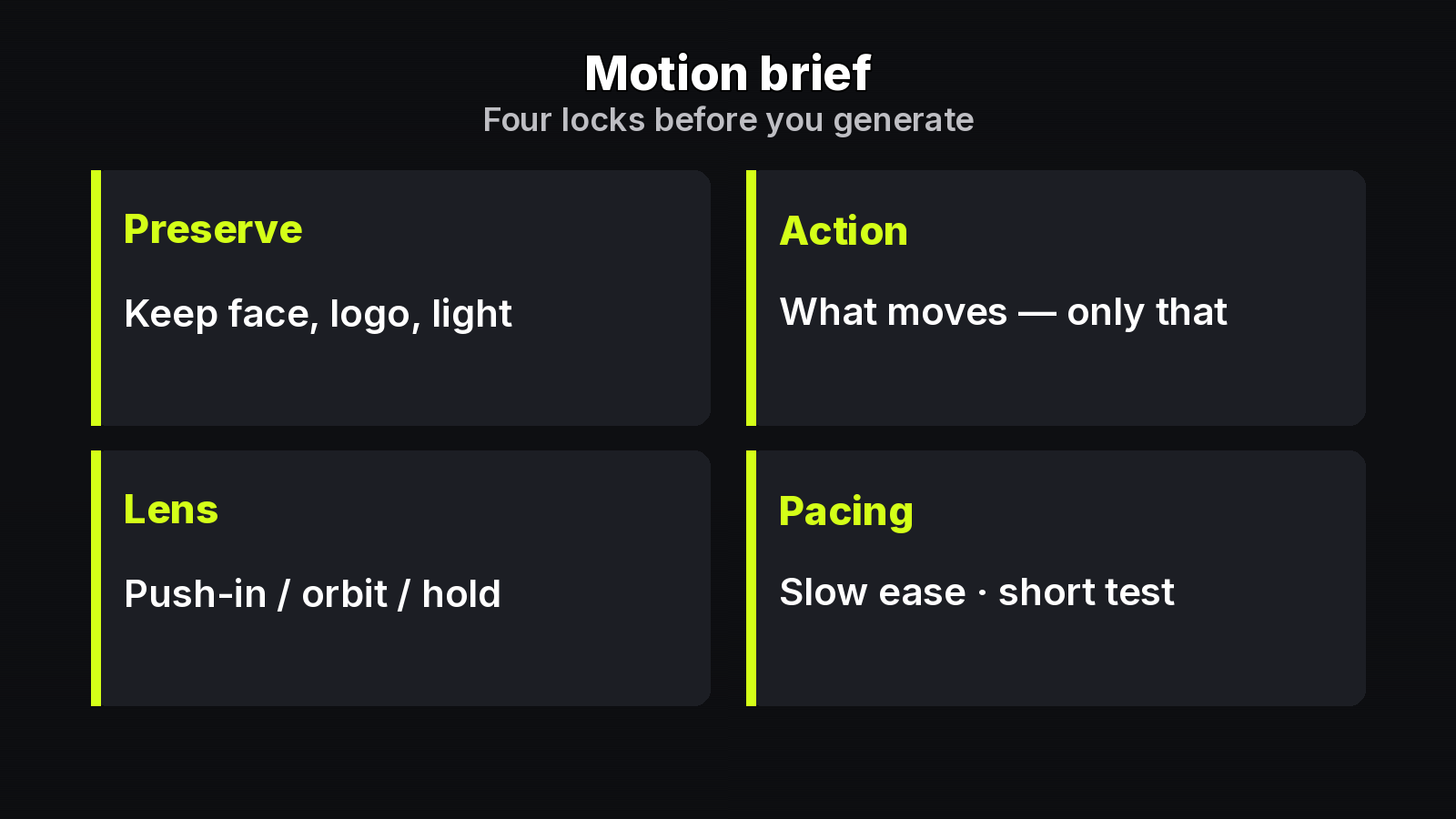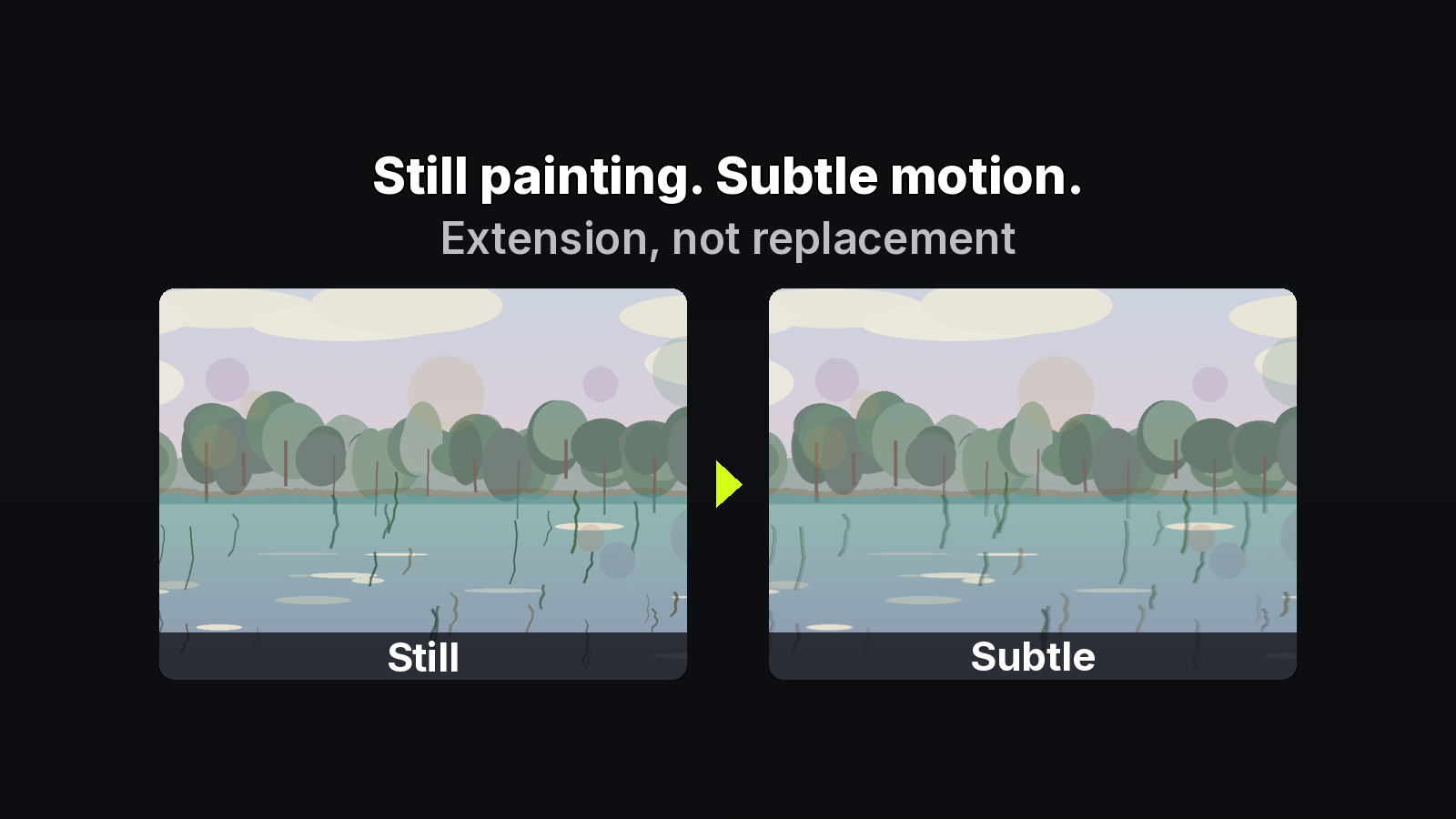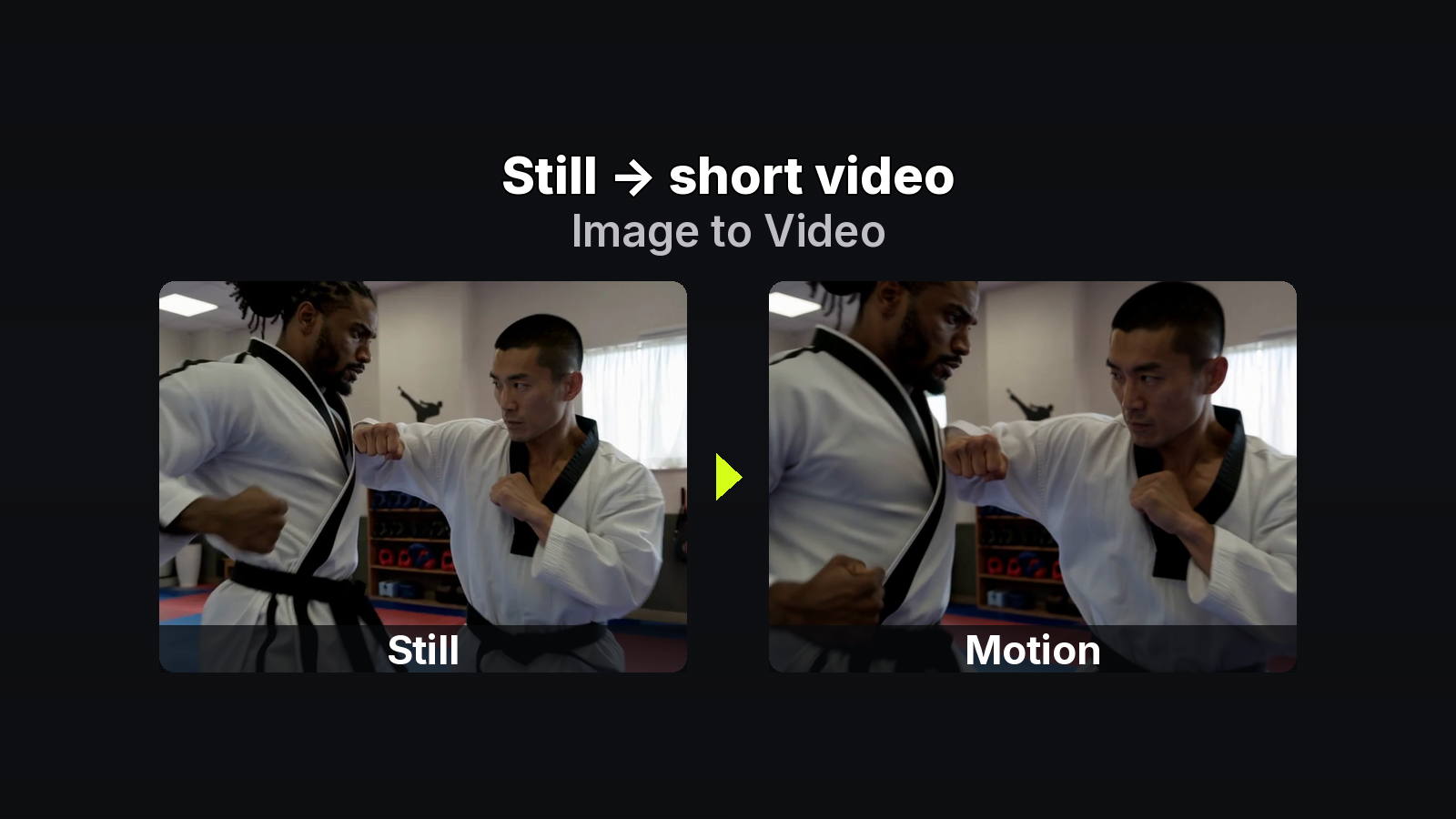
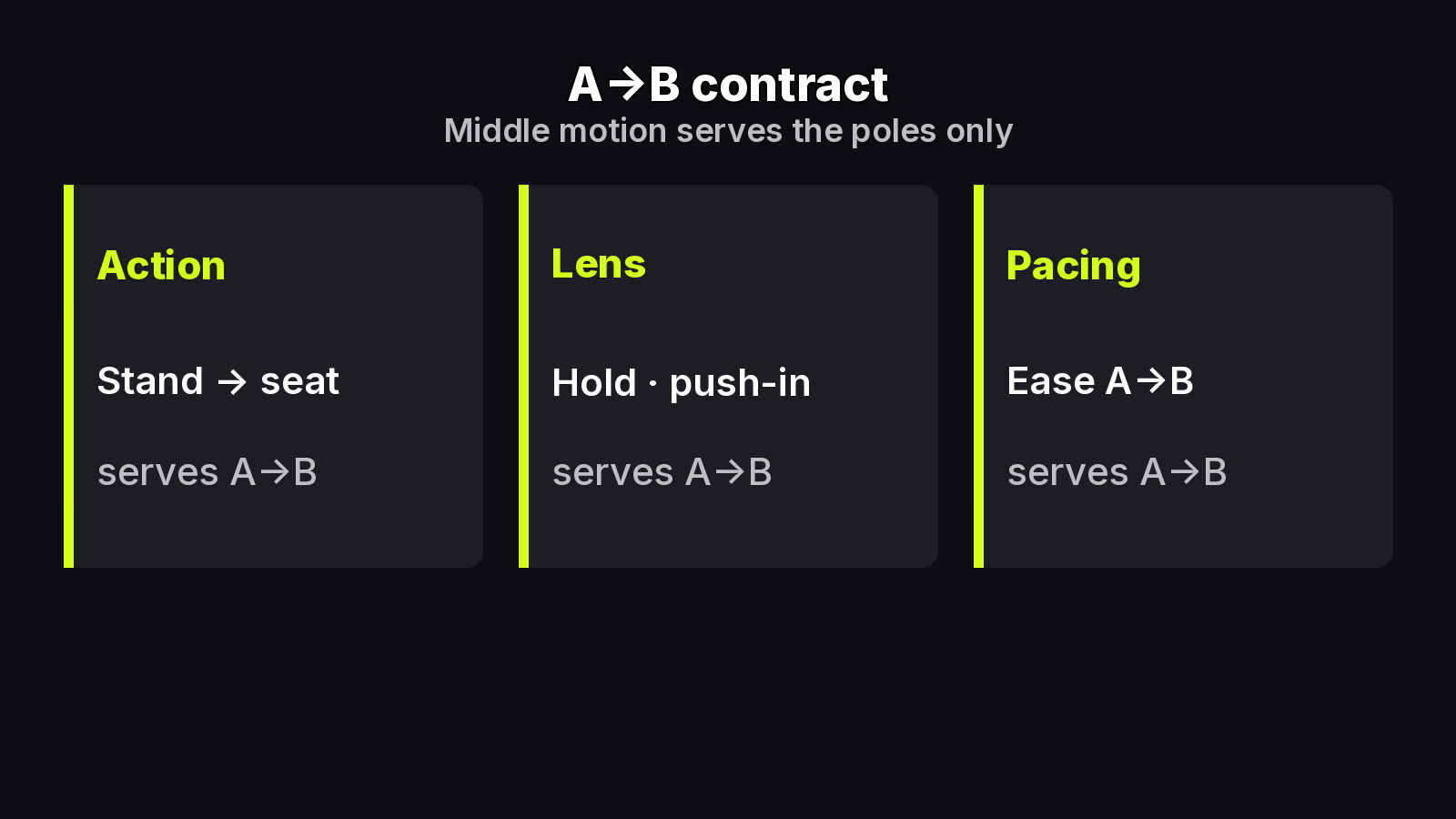
MixVio illustrative card: Action · Lens · Pacing — middle motion serves A→B only — our_generated structure graphic.
Builders who already own a start still and an end still still lose takes when the motion brief describes a new scene instead of the bridge. This checklist forces middle motion to serve first → last only — Action, Lens, and Pacing as a contract, not a mood board.
Specs match MixVio’s Image-to-Video tool and model pages (checked 2026-11-03). Confirm the live credit quote before every Generate. Soft promo; no price stacks.
Preconditions (poles locked)
Before you write a single motion line:
- You have rights to both JPEG/PNG/WebP poles.
- Silhouette, face/product angle, materials/logo, light, and background anchors agree across poles — or the conflict is intentional and documented.
- You picked an end-frame-capable MixVio catalog route for this take (not a start-only Fast path; not a route whose FAQ denies last-frame photos).
Optional helpers for a missing pole: MixVio AI Image Generator or Image to Image. They are not a required single-model pipeline into any I2V route.
On MixVio home the contract sits in a multi-model Image-to-Video workspace — keep one owned pair; change only the brief.
The A→B checklist
Use this as a paste-ready brief. Fill every line; delete adjectives that do not move you toward the last frame.
| Field | Rule | Pass example | Fail example |
|---|---|---|---|
| Action | One transition that lands on the last frame | “Stand → seated; arm lowers once” | “Make them move cinematically” |
| Lens | Motivated by the end composition | “Hold; tiny push-in into end framing” | “Orbit and whip pan” |
| Pacing | Ease A→B; short test first | “Ease into last pose; 5s test” | “Max energy the whole take” |
| Preserve (implicit) | Identity already locked in poles — do not rewrite | “Keep jacket color + face angle” | “Change outfit mid-take” |
Weak briefs re-describe both stills or invent a third scene. Strong briefs name only the bridge.
Three stronger lines you can adapt:
- “Only the raised arm completes the last-frame silhouette; hold lens; no whip pans; 5s.”
- “Product rotates to the end still’s angle; soft light unchanged; short take.”
- “Sit-down lands on last pose; locked camera; ease; discard if walk-off appears.”
Run order on the desk
- Attach start + (when the route allows) last frame.
- Paste Action / Lens / Pacing — nothing else.
- Prefer short + lower-res until the bridge is honest.
- Change one middle variable per take.
- Reject any take that invents an exit the last frame does not own.
Open the A-to-B motion-brief desk in Chrome. Prefill spends nothing until Generate.
Route note (end-frame capable vs not)
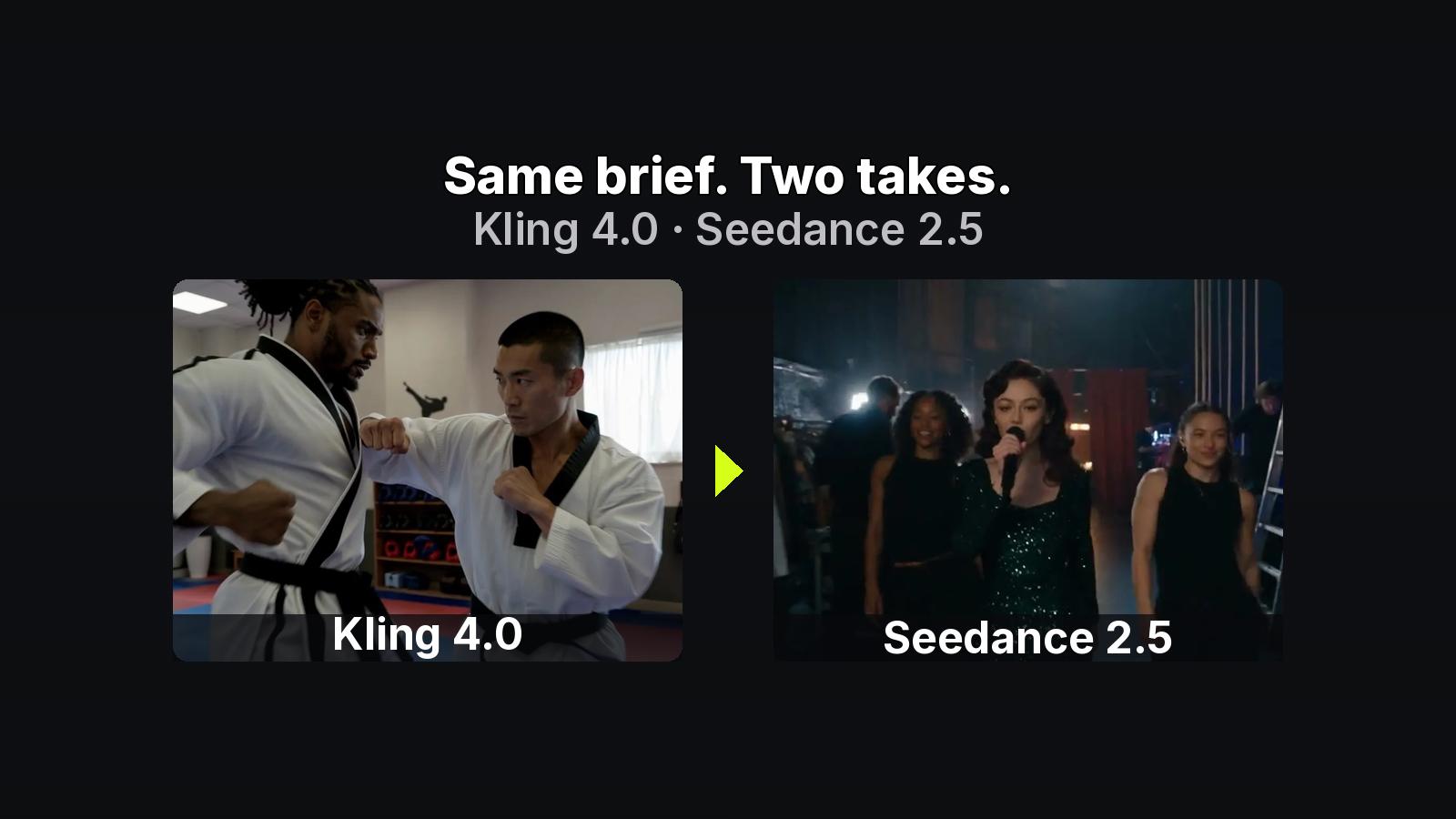
End-frame-capable examples in this facts set include Seedance 2.5 / 2.0, Kling 4.0, MiniMax H3, Veo 3.1, Wan 3.0, PixVerse V6, and Gemini Omni Flash 1.1 where the model page says so. Veo 3.1 Fast is start-only I2V here; Vidu Q4 FAQ states no last-frame photo — do not put an end pole on those routes and expect it to bind.
Vendor background: Kling 4.0 user guide and Seedance 2.5 page. MixVio limits and the live reservation win.
Live quote anchors (re-check every take)
Credits follow model + duration + resolution. Model-page anchors only:
- Seedance 2.0 — Mini 4s·480p=5; Standard from 19; Std 5s·720p=49; Std 5s·1080p=118
- Seedance 2.5 — 4s·480p=27 (page example)
- Kling 4.0 — default 5s·720p=43
- MiniMax H3 — default 5s·768p=8; Veo 3.1 720p=68; Gemini Omni Flash from 15
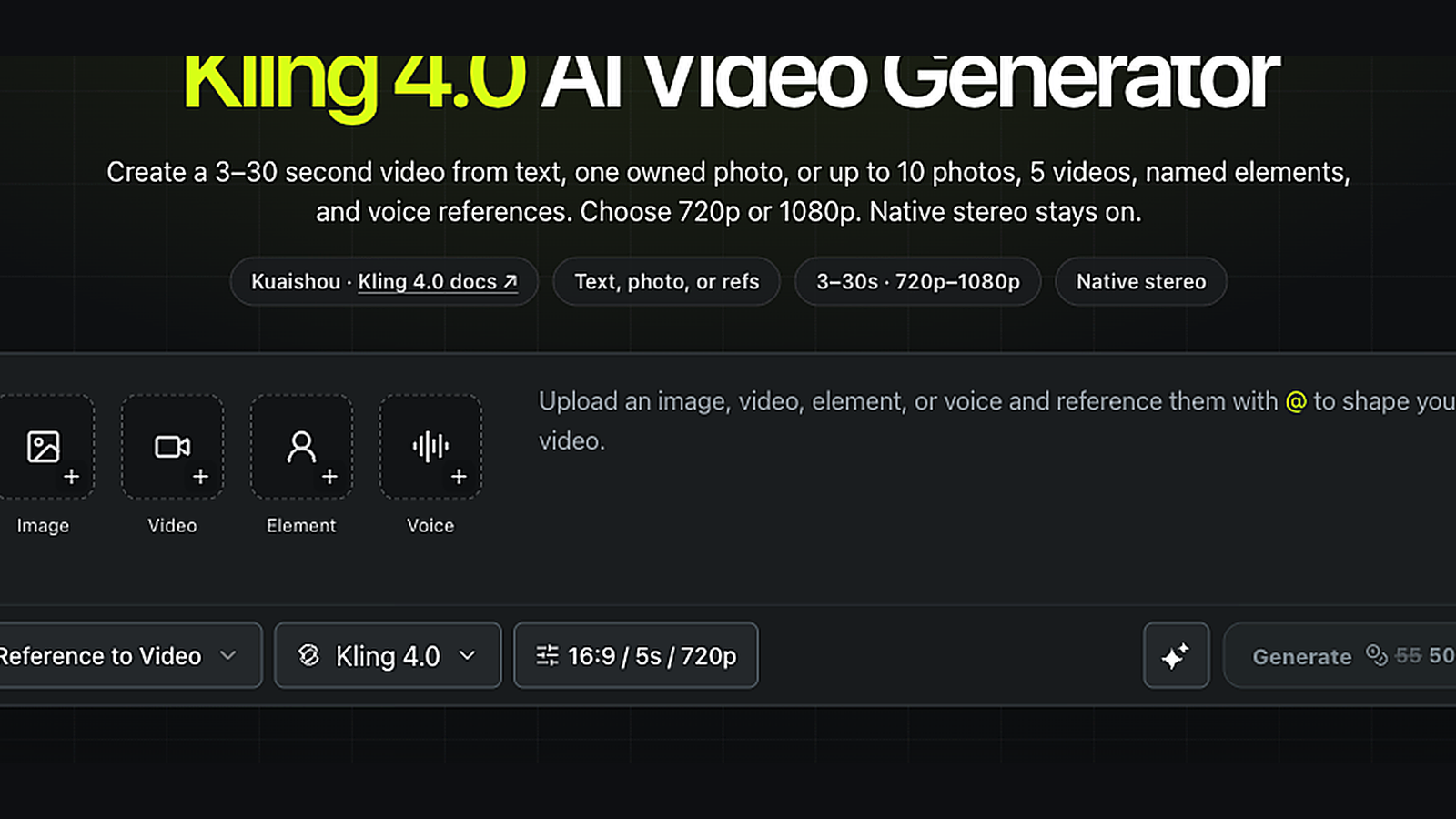
MixVio workspace capture: live Generate quote area (signed-in UI still; digits in-frame are a past quote example and may differ from current model-page anchors) — confirm your own reservation before Generate.
Failed or safety-cancelled runs release the reservation on MixVio’s pricing page; Kling’s “failed runs return reserved credits” is compatible. Free-plan video is evaluation only; paid-plan outputs may be commercial under MixVio ToS and each provider’s rules when you have rights to both poles and the prompt.
Paste template (copy into the prompt box)
Action: <one transition that lands on the last frame>
Lens: <hold | slow push-in motivated by end framing>
Pacing: <ease A→B; duration for this test>
Preserve: <identity already in poles — jacket / face angle / logo>
Keep the template boring on purpose. Boring briefs that land beat cinematic briefs that invent a third scene.
Iteration after the first pass
If the bridge almost works: change one field only. If identity melts: stop iterating motion — re-check pole alignment (silhouette, materials, light) before you spend again. If the route ignores your last frame: confirm you did not pick a start-only path in this facts set.
Checklist FAQ
Can I skip Lens and only write Action?
You can, but the model will invent camera. If the last frame’s framing matters, write Lens.
Is this a multi-cell storyboard checklist?
No — this is a two-pole A→B brief. Multi-grid boards help when beats change across many cells; here two owned stills plus three fields are enough.
Bottom line
If middle motion does not serve first→last, the brief failed — not the model. Fill Action / Lens / Pacing, stay on end-frame-capable routes, iterate one variable at a time, and read the live quote. Run the A→B checklist on MixVio.
About the author
- MixVio AI is a multimodal creative workspace for generating and editing images, video, and audio with leading AI models and practical creative tools.
Comments
Join the discussionNo comments yet. Be the first to comment.