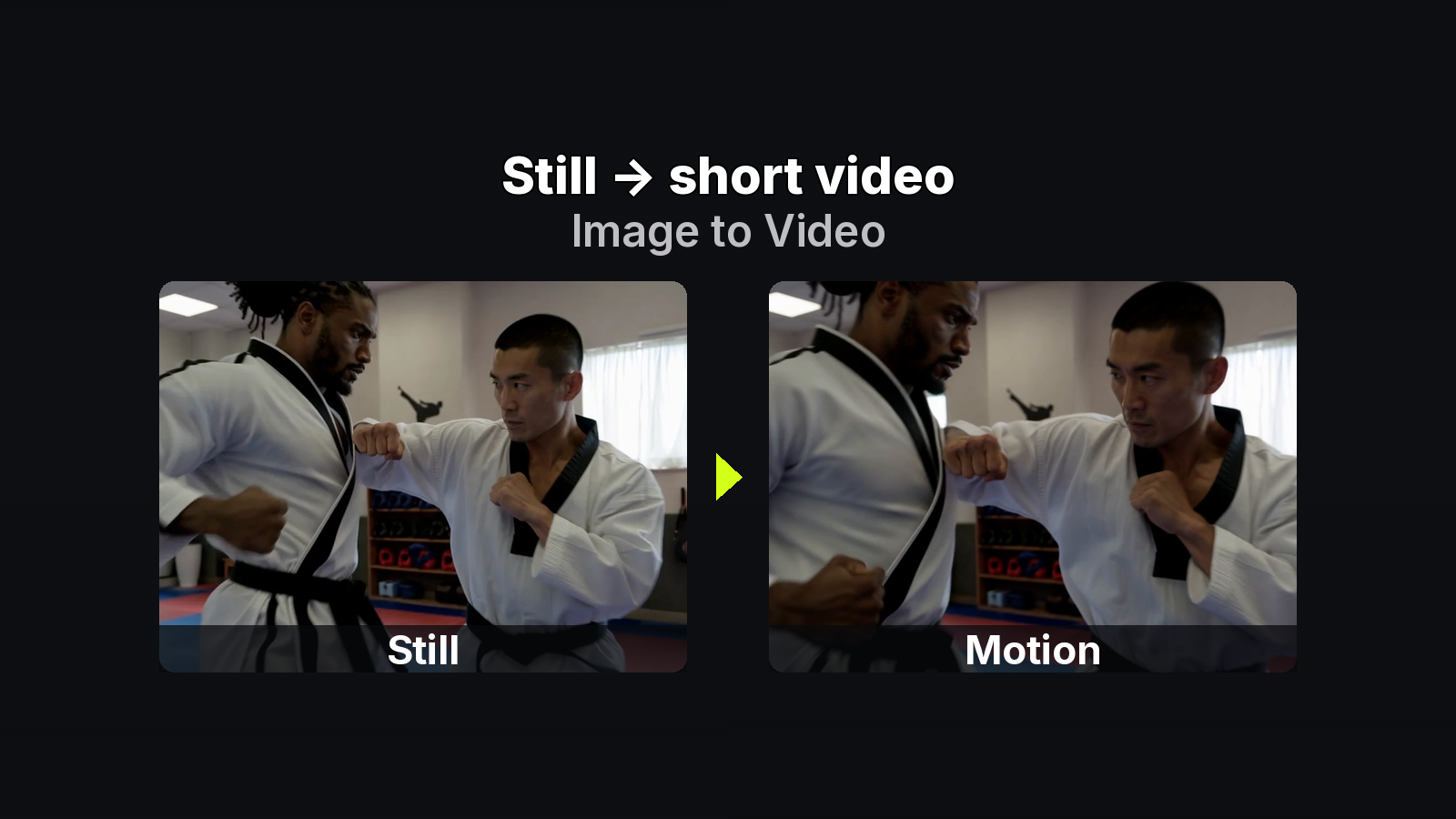
This is a MixVio image to video workflow checklist for builders who want a repeatable onboarding loop — not a marketing pitch stack. Walk the steps in order: mode → source → upload → motion prompt → model/settings → live quote → one-change iterate → download. Specs match MixVio’s Image-to-Video tool and model pages (checked 2026-10-30) plus vendor docs — confirm the live reservation on Generate every time.
1. Pick the mode that matches what you own
MixVio video tools share one generator. The page you open mainly signals how you intend to start:
- Image to Video — subject already locked in an owned still. Animate that frame (some routes also accept an optional last frame). Beginner default.
- Text to Video — no still yet; brainstorm a scene first.
- Reference to Video — character, product, or set consistency across several reference files.
If the face, product, or landscape is already in the photo, stay on Image-to-Video. Text is for ideation when the frame does not exist; Reference is the consistency lane when one still is not enough. Open MixVio and choose that mode before you pick a model.
2. Source-image gate
A weak still fails before the model ever “gets creative.” Checklist before upload:
- Clear subject (one readable hero, not a busy collage)
- Depth (foreground / mid / background so motion has somewhere to go)
- Resolution sharp enough that a short push-in still looks clean
- Sparse logos and micro-text (tiny type smears under motion)
- Copyright — only stills you may animate and publish under your plan
Formats: JPEG, PNG, or WebP. Browser: Chrome. Uploads, prompts, and finished clips stay private workspace assets; providers process the run under their rules. Free and paid plans can both reach available models when the balance covers the live quote; Free video is for evaluation, not commercial release.
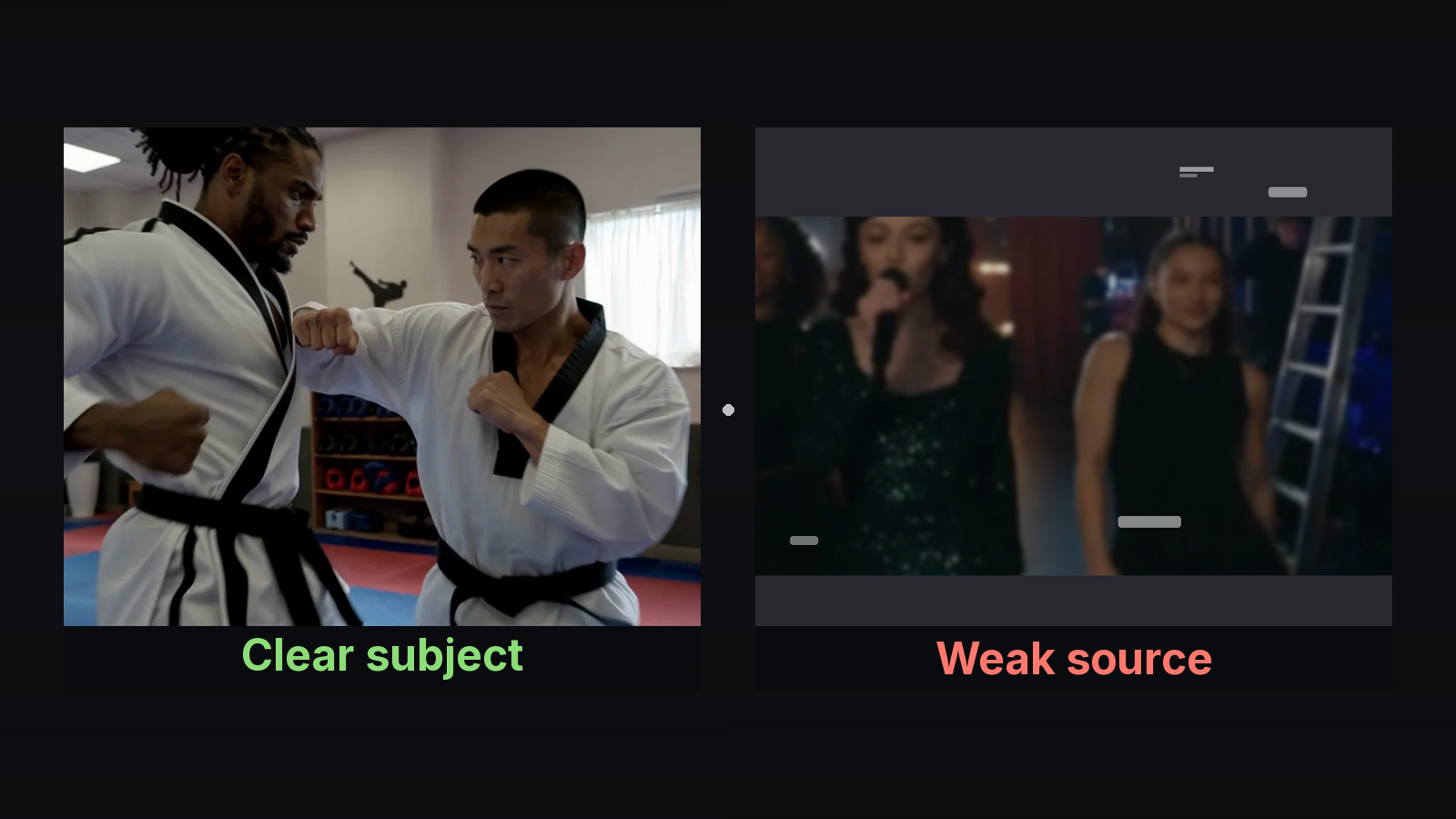
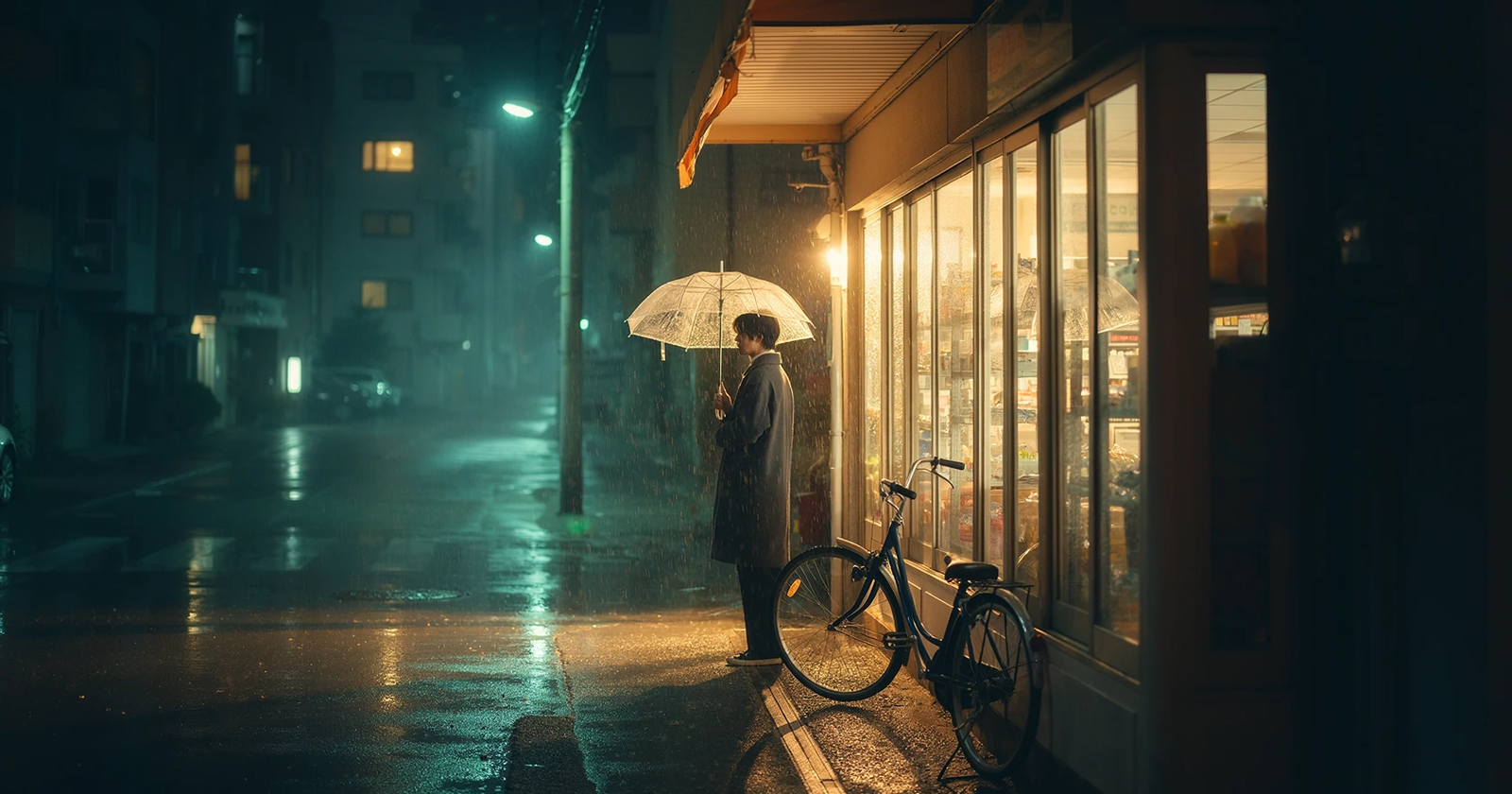
MixVio illustrative process still: clear subject vs weak source — our_generated contrast card.
3. Upload one focused job
Open the I2V builder workspace in Chrome, sign in, and drop your still. Keep one job focused: one owned first frame (and, if the route allows, an optional last frame — do not mix that with a multi-reference pack in the same job). Prefill is fine; nothing spends credits until you hit Generate.
4. Motion prompt contract
Do not restate the whole photo. The still already holds identity; the prompt should say how the camera and world move.
Reject: “Make it move.” / “Cinematic video of this image.” / “Add cool motion and drama.”
Prefer:
- “Slow push-in on the subject; soft wind in the background trees; calm daylight.”
- “Gentle left-to-right pan across the landscape; clouds drift; steady horizon.”
- “Hold the product centered; slight orbit right; soft studio light, no warp.”
- “Locked camera; subject blinks once and turns slightly toward the light; quiet room.”
Require four parts: camera move + subject action + environment detail + mood. One clear move beats three competing ones.
5. Settings ladder (short + lower-res first)
MixVio’s Image-to-Video page is a multi-model workspace. You do not need every model on day one. For a first proof: pick an affordable short route, start at a lower resolution the route allows (often ~4–5 seconds at 480p or 720p), prove the motion, then raise length or resolution once — not both.
Public I2V routes commonly cover about 3–15 seconds; some Seedance 2.5 paths go 4–30 seconds; Veo 3.1 / Fast use fixed 4 / 6 / 8 second steps. Aspects often include 9:16, 16:9, and 1:1. Exact chips live in the generator.
Vendor docs for deeper controls: Kling user guide; ByteDance Seed Seedance 2.5 product page. MixVio quotes always win over marketing summaries.
6. Live quote gate (hard stop)
Credits follow the model + duration + resolution (and sometimes reference-video seconds) you select. Page examples are anchors; the reservation on Generate is the bill. Before Generate, read the reservation.
Model-page anchors only (confirm live):
- Seedance 2.0 — Mini 4s·480p = 6; Standard from ~26; Standard 5s·720p = 70
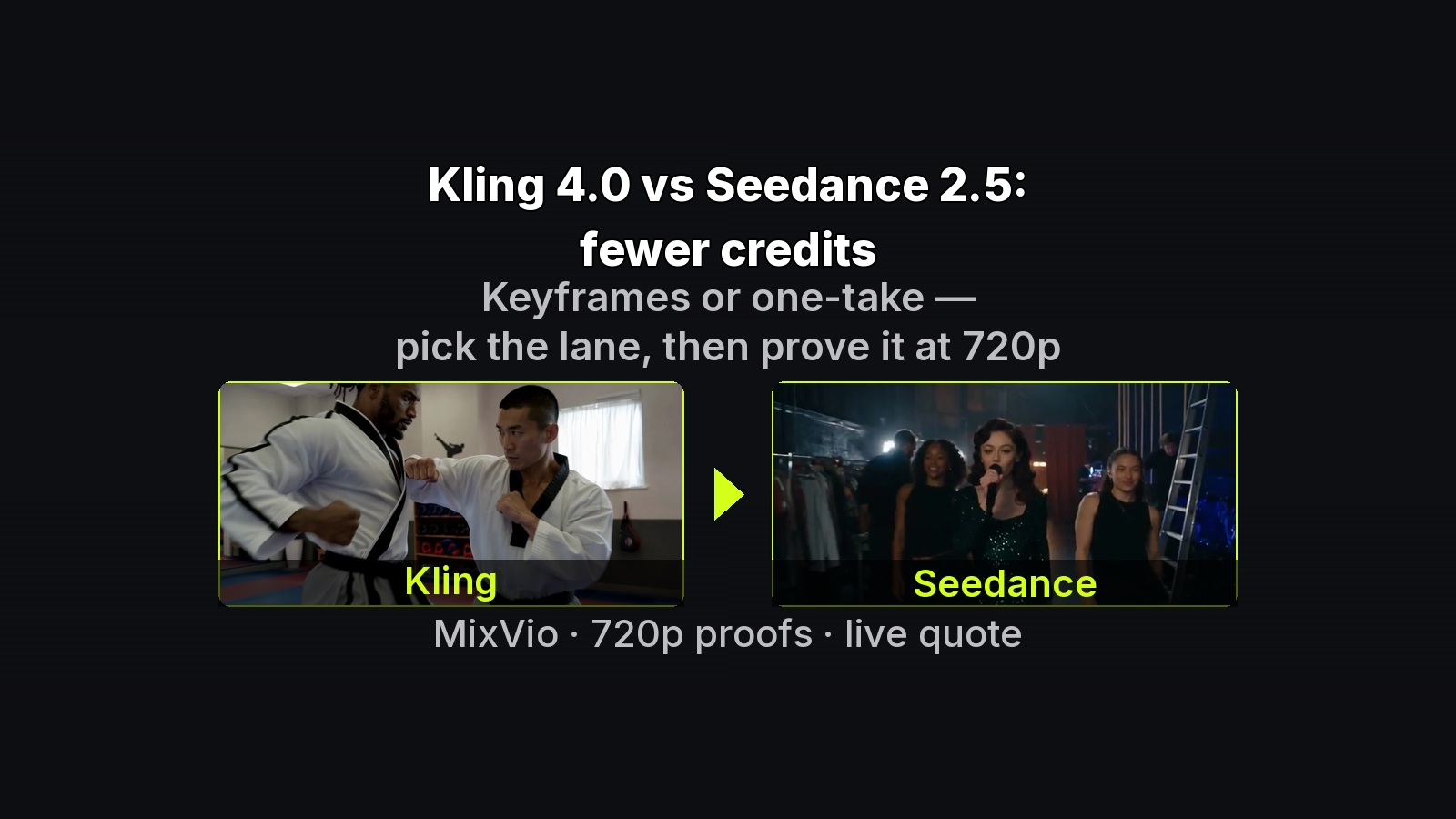
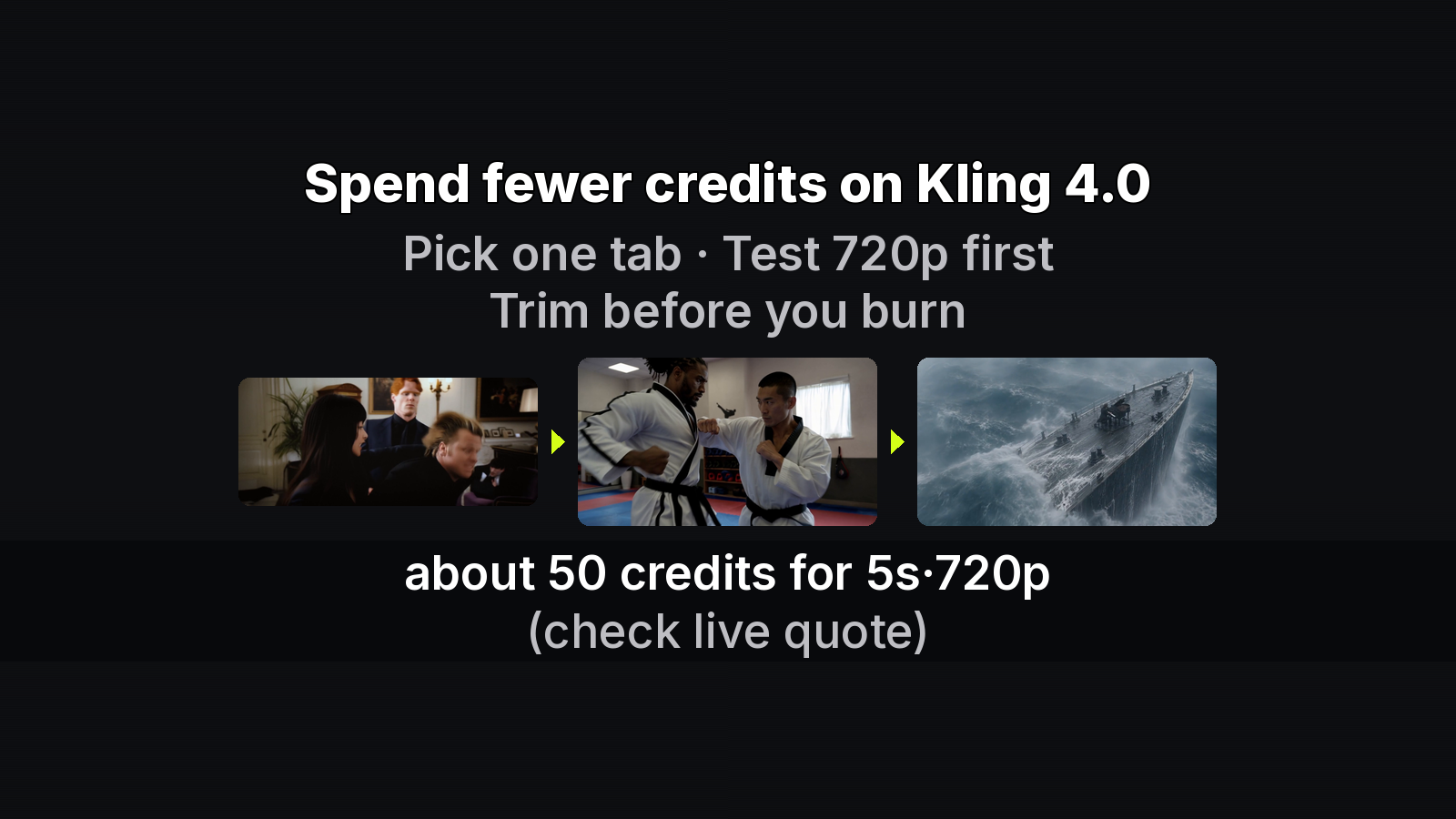
- Kling 4.0 — default 5s·720p = 50 (was 55)
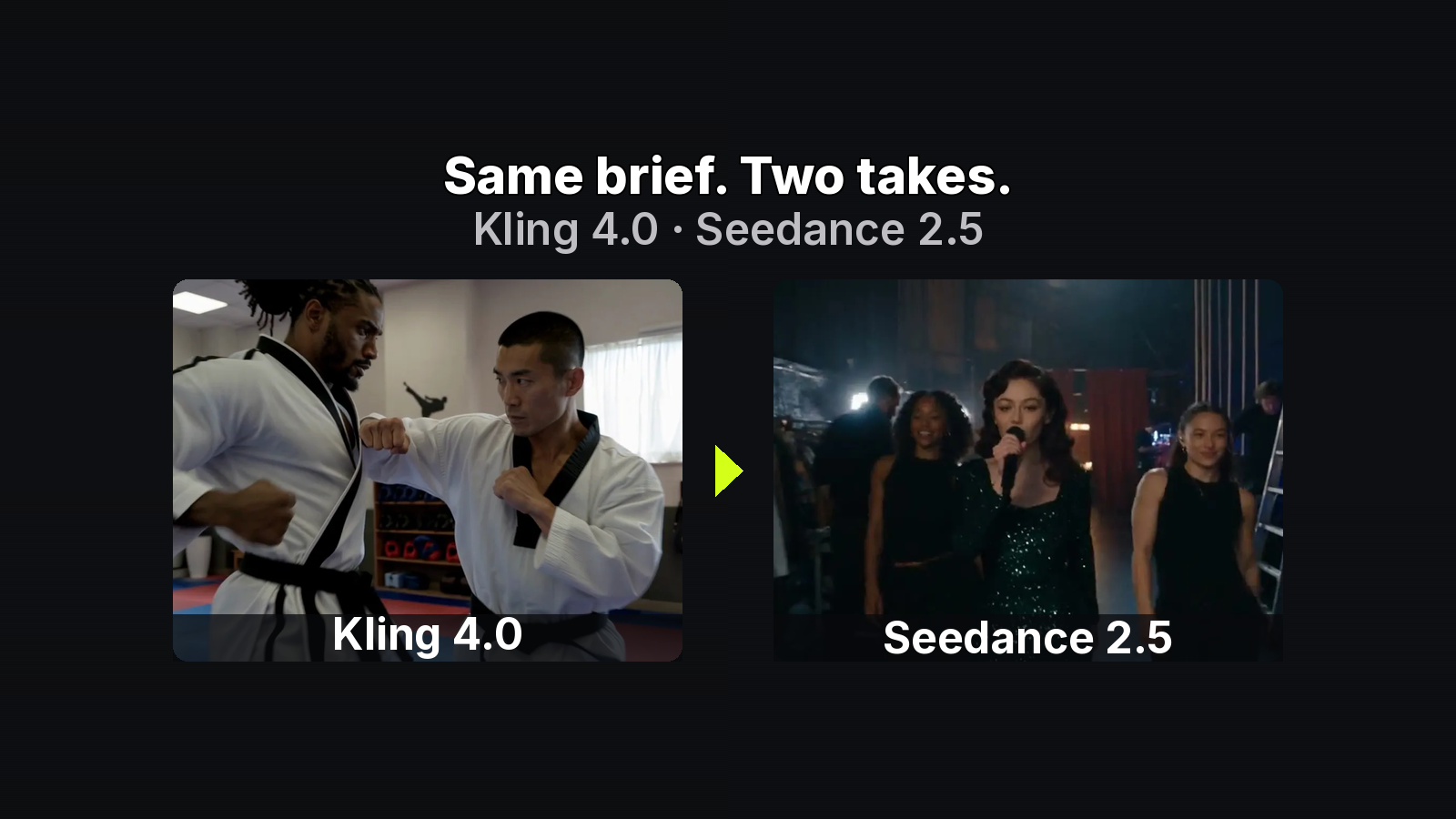
- Seedance 2.5 — 4s·480p = 38 (page example)
Do not trust a remembered marketing default from an old tutorial.
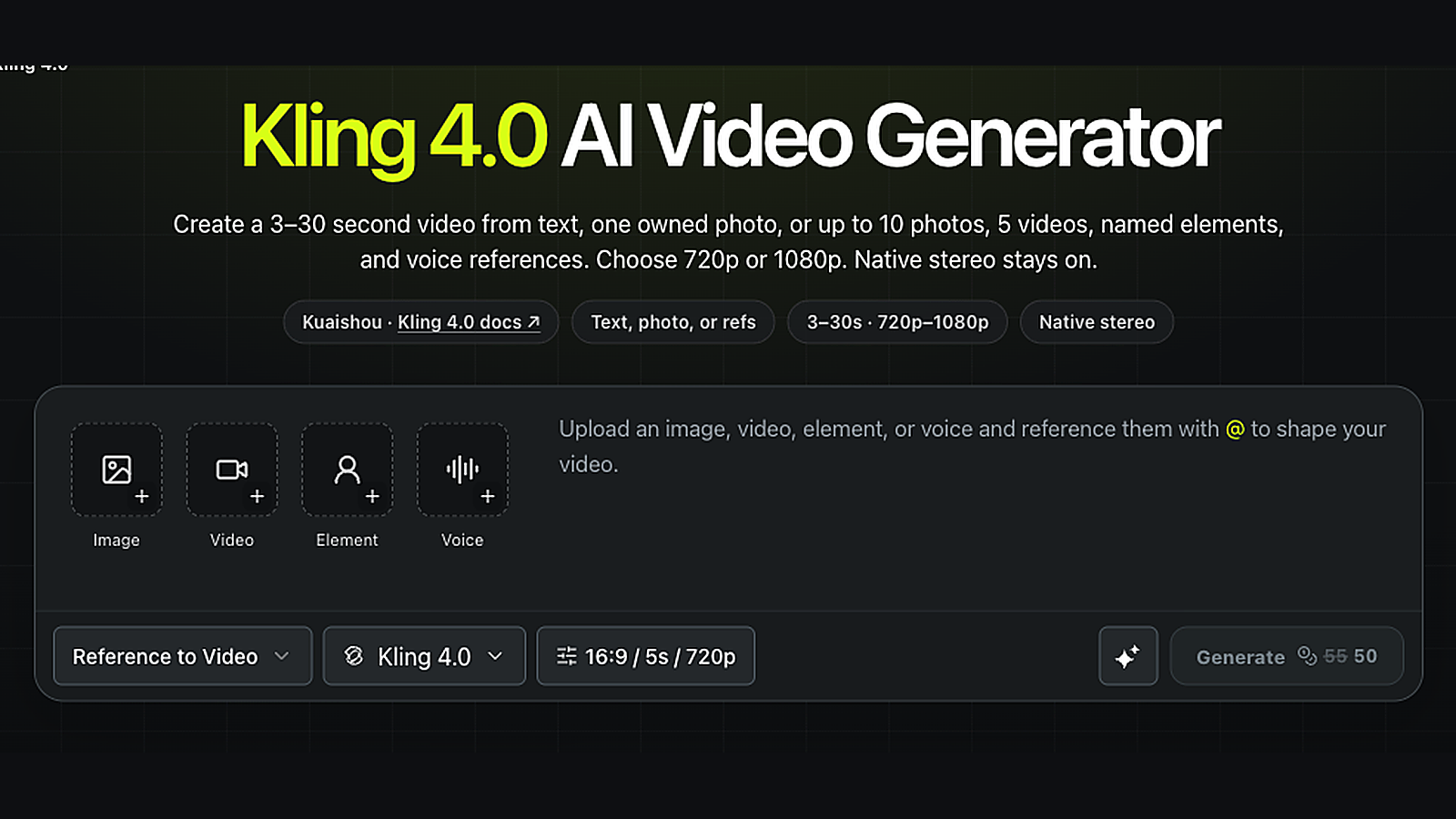
MixVio workspace capture: live Generate quote example (Kling 5s · 720p showing 50) — signed-in UI still; confirm your own reservation before Generate.
Pricing page: failed or safety-cancelled runs release the reservation. Kling “return reserved credits” is compatible. Prefer reserve → release on failure.
7. Review rubric → one-change iterate
Score the clip against a short list:
- Warp / melt — edges smear → soften camera move; shorten; start lower-res.
- Over-motion — everything flies → one move only; reduce subject action.
- Too static — barely moves → stronger camera verb; one environment cue.
- Identity drift — subject no longer matches → clearer subject lock; try first+optional last frame if supported; avoid unrelated references in the same job.
Then change one variable — prompt, duration, resolution, or model — and re-run the short proof before you climb.
8. Download and commercial gate
Download the private MP4 when the take passes. Paid-plan outputs may be used commercially under MixVio’s Terms of Service and each model provider’s rules. Free-plan video is evaluation-only — not commercial publish. Confirm watermark and retention on the pricing FAQ for your plan before you ship.
Practice drill (optional)
Same owned landscape, three short/low-res runs (read the live quote each time):
- Static hold — “Locked camera; soft cloud drift; calm afternoon light.”
- Push-in — “Slow push-in toward the ridgeline; gentle parallax in the trees; steady horizon.”
- Pan — “Gentle left-to-right pan; distant haze shifts slightly; quiet mood.”
Compare warp, motion strength, and identity. Keep the pass; only then raise length or resolution.
FAQ
How long should the first Image-to-Video take be?
Short. Prove motion on a few seconds at a lower resolution the route allows, confirm the live quote, then climb. Longer and sharper burns more credits before you know the prompt works.
Why doesn’t the clip look exactly like the still?
Image-to-Video invents in-between motion. Soft sources, dense micro-text, and competing camera verbs amplify drift. Tighten the source checklist and change one variable per iterate.
Can Free-plan clips go in ads?
No. Free video is evaluation-only. Commercial use needs a paid plan plus MixVio’s ToS and the provider rules for the model you ran.
Bottom line
Builder checklist: mode → source → upload → prompt → ladder → live quote → one change → download. Ship it when ready: Ship the checklist.
About the author
- MixVio AI is a multimodal creative workspace for generating and editing images, video, and audio with leading AI models and practical creative tools.
Comments
Join the discussionNo comments yet. Be the first to comment.