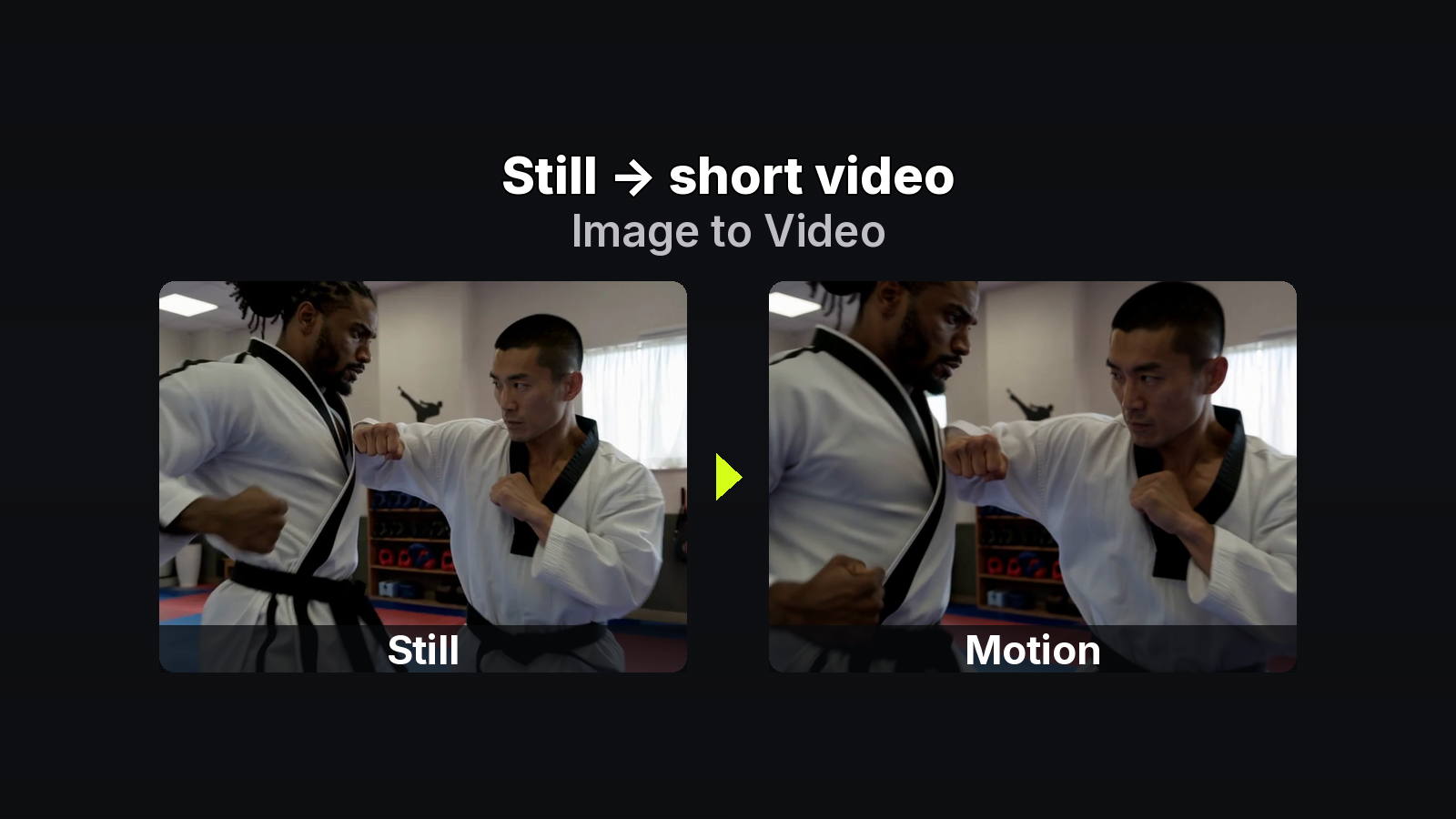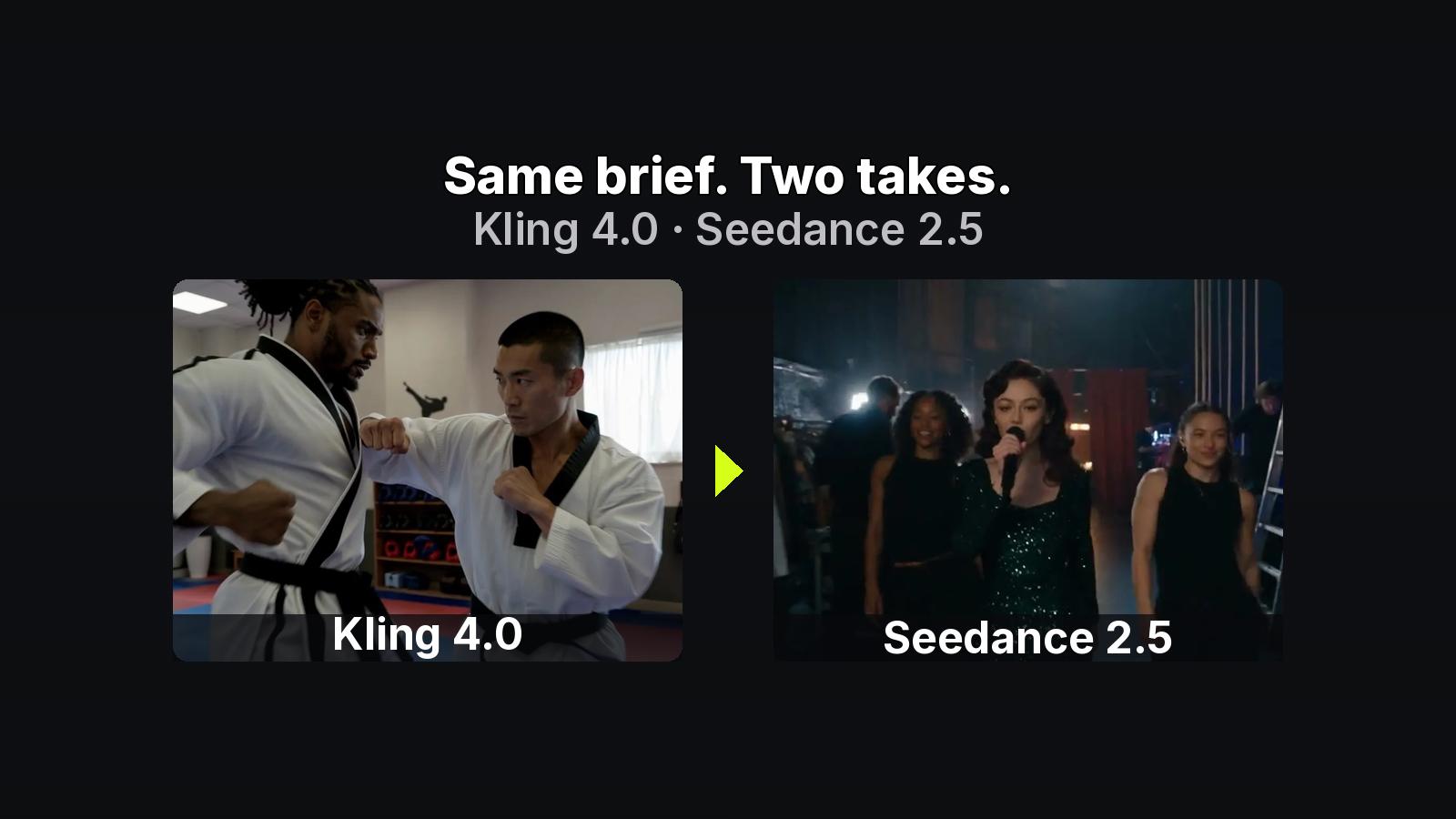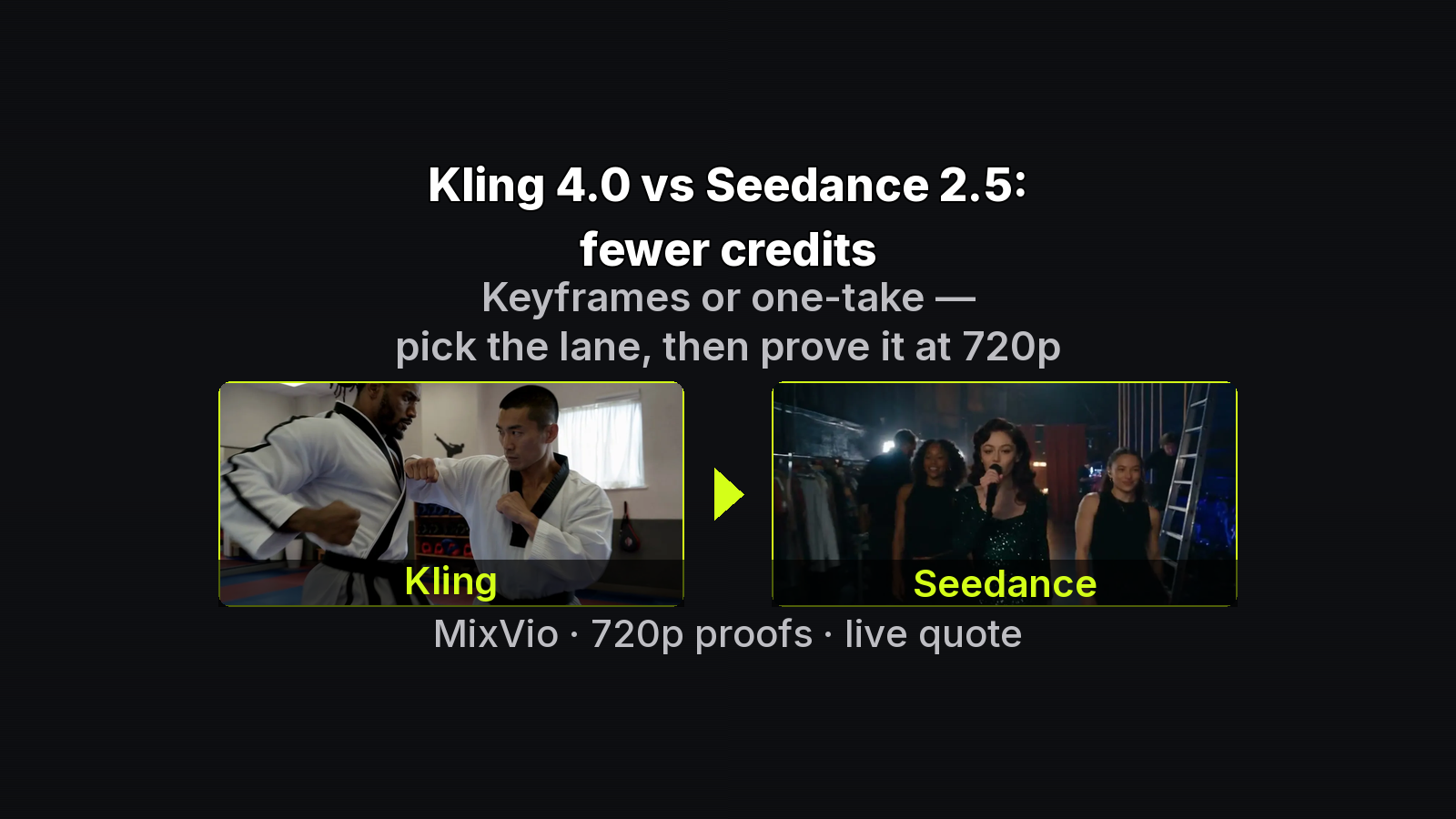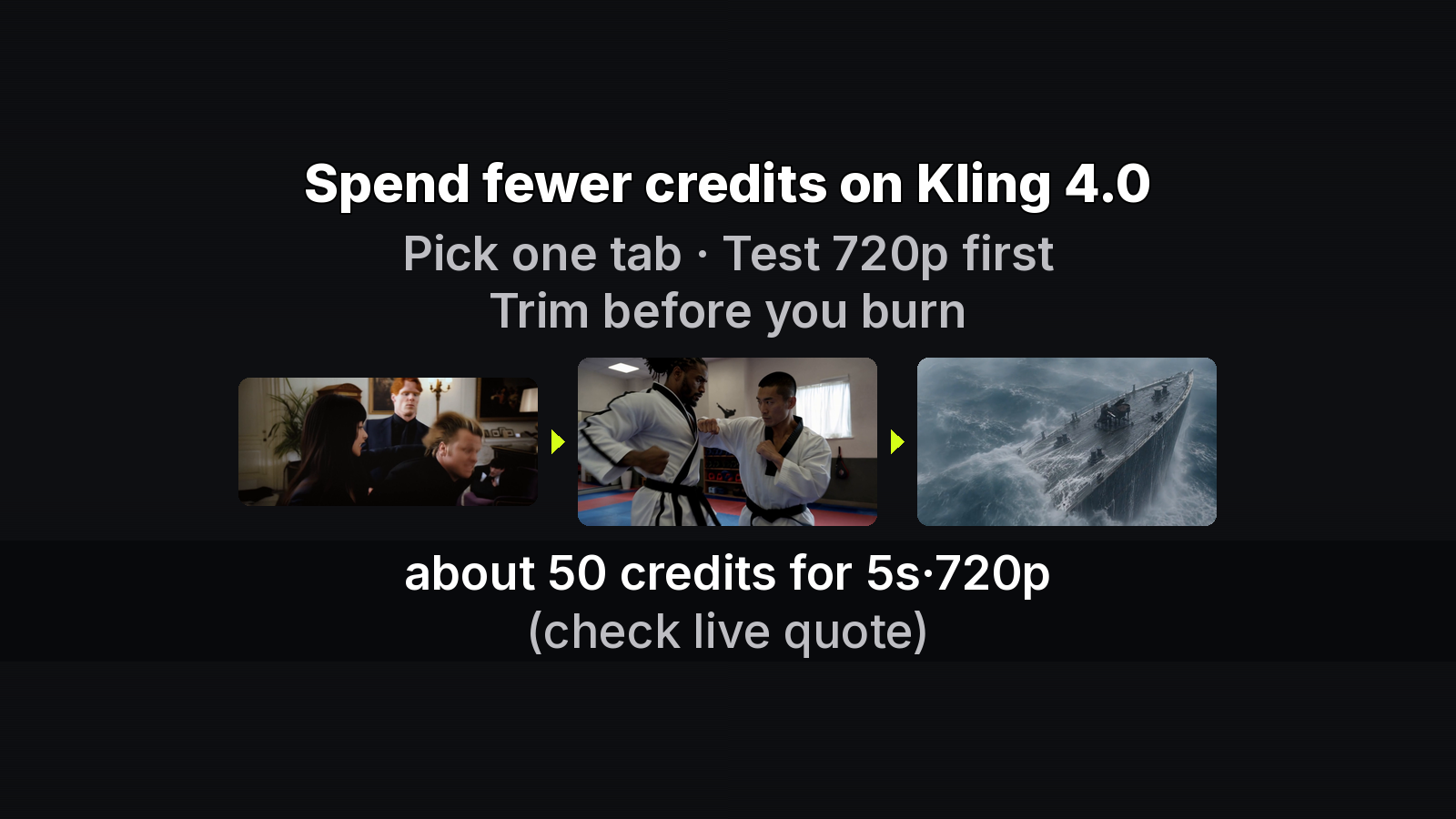
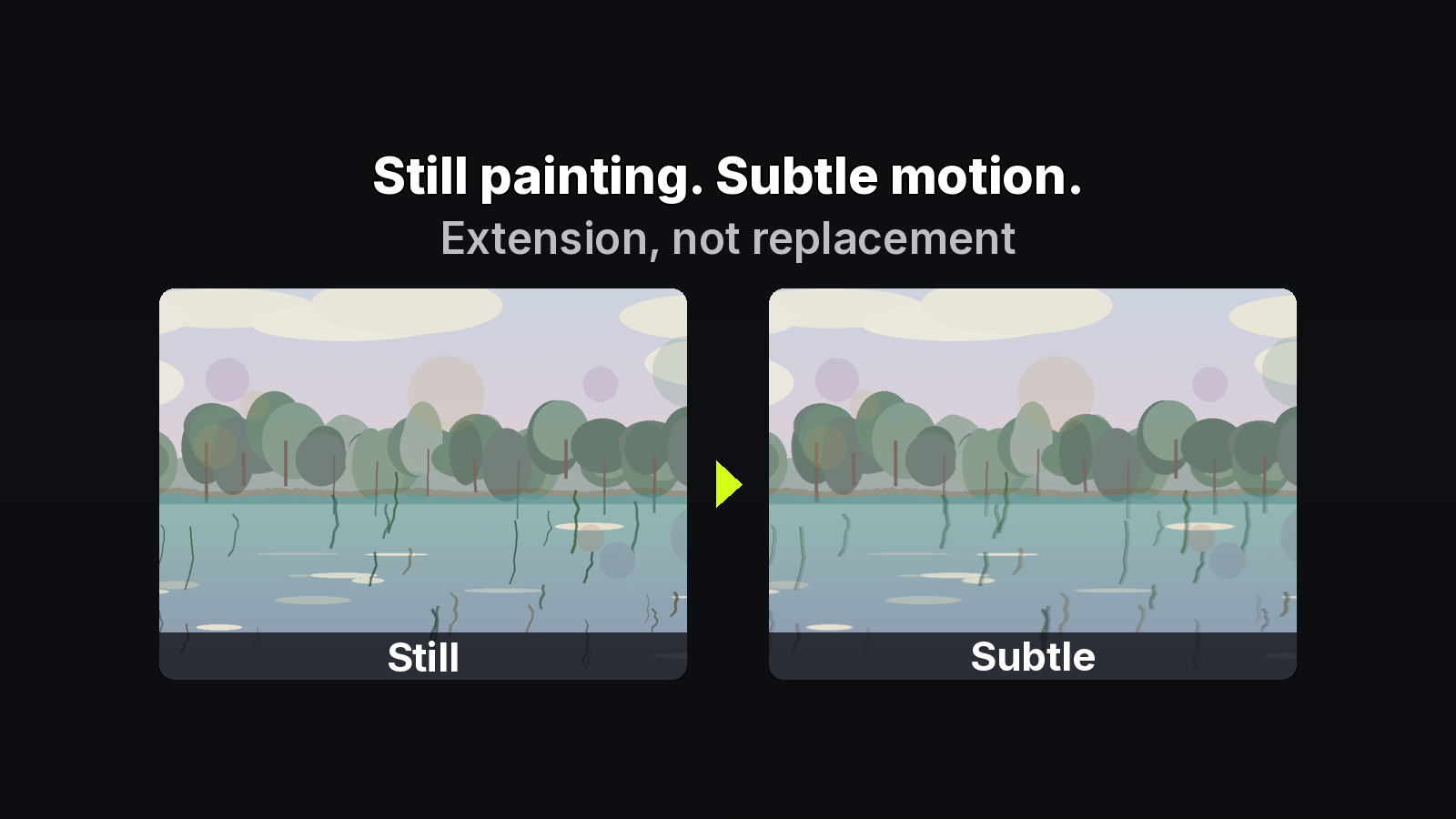
When you add a short motion layer to a finished painting or photograph, the technical path is Image-to-Video. The harder part is the process contract: what you disclose, what you have rights to animate, whether the still stays primary, and which plan terms apply before a client or gallery sees the clip.
This checklist is for builders and artists shipping companion motion on owned stills. It is not a beginner button walkthrough and not a credits race. Claims below follow MixVio’s Image-to-Video and pricing pages (checked 2026-11-01) — always read the live quote before Generate, and re-open the commercial FAQ before you publish.
1. Disclose the process
Motion is a post layer. When you show the companion clip in a portfolio, exhibition wall text, client deck, or social post, say that the movement was added after the still was finished. That keeps authorship honest: the painting or photograph remains the authored work; the clip is evidence of process or a living companion — not a secret rewrite.
Disclosure here means process transparency about the motion layer, not a platform “AI writer” badge in the article body. Keep the still primary in captions and credits.
2. Animate only work you may use
Upload JPEG, PNG, or WebP you own or are clearly licensed to animate. Likenesses, brands, and third-party art need the same rights check you would apply to a print edition. Providers process the run; they do not grant you the underlying rights.
On MixVio home, uploads, prompts, and finished clips stay private workspace assets — they do not land in a public feed. That privacy helps iteration, but privacy is not a license.
3. Keep the still primary
Treat the painting or photograph as the finished work. The short clip is companion media: exhibition loop, process story, living portfolio. If the motion melts pigment blooms or invents a new composition, the take failed the original — curate harder or soften the prompt rather than shipping the overreach.
Brushstroke retention is a creative standard you enforce, not a measured product metric.
4. Commercial terms: Free evaluation vs paid release
MixVio page wording (confirm live on pricing / I2V FAQ):
- Free-plan video is for evaluation only — not commercial publish.
- Paid-plan outputs may be used commercially under MixVio’s Terms of Service and each model provider’s rules, when you have rights to every reference still, likeness, brand, and prompt element you submit.
Before ads, client deliverables, or paid commissions, re-read those pages for your plan. Do not treat an evaluation clip as a commercial master.
5. Private workspace and failed-run billing
Uploads and outputs remain private workspace assets; providers process only the run. On MixVio’s pricing page, failed or safety-cancelled runs release the reservation (reserve → release on failure). Kling 4.0’s model page wording — failed runs return reserved credits — is compatible. Prefer the pricing-page phrasing in checklists and runbooks.
Open the private I2V workspace in Chrome when you need to confirm a reservation against a real still. Prefill spends nothing until Generate.
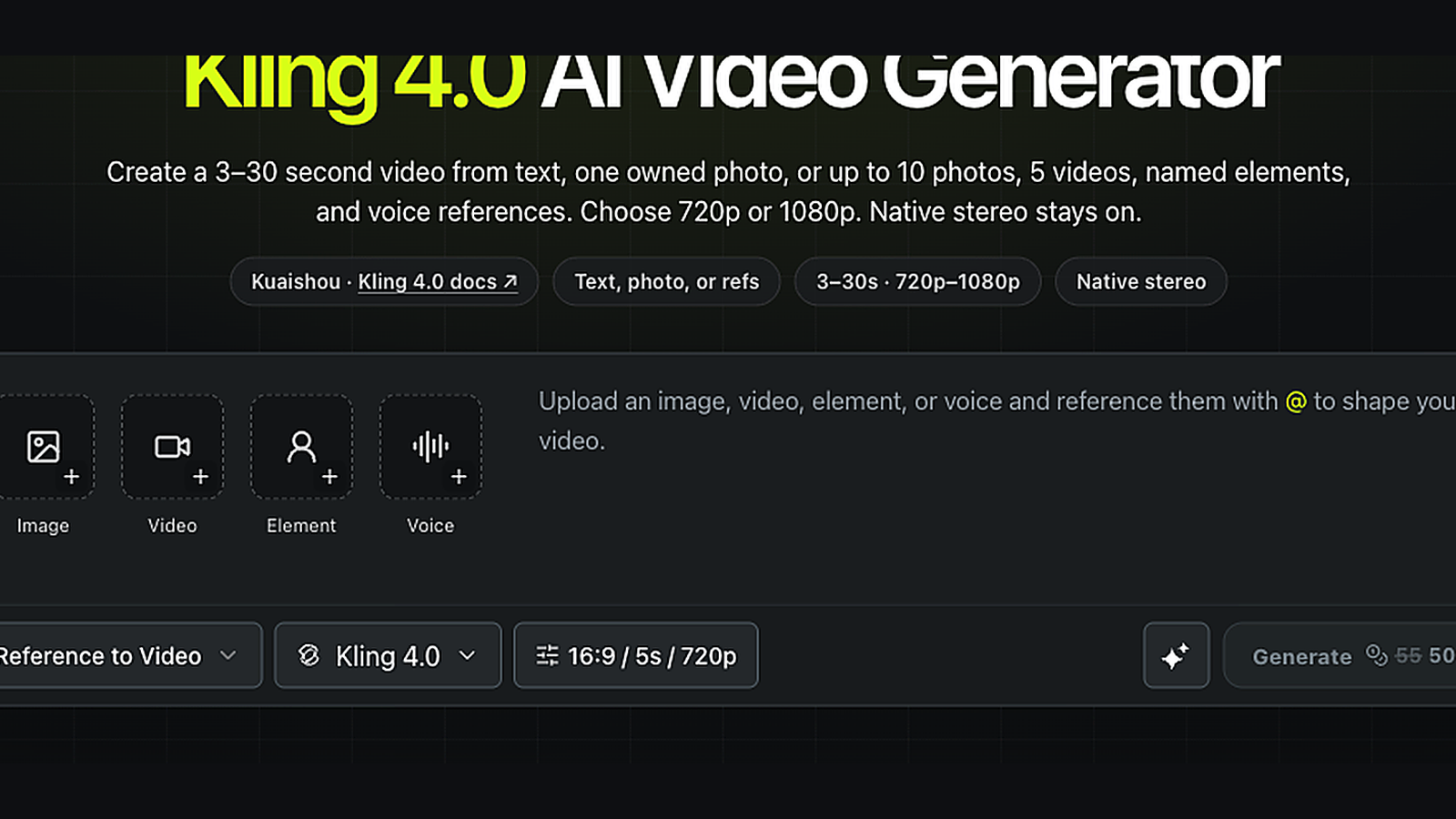
MixVio workspace capture: live Generate quote area (signed-in UI still; digits in-frame are a past quote example and may differ from current model-page anchors) — confirm your own reservation before Generate. Caption discloses: screenshot digits may show a past Kling quote ≠ current product_facts Kling 43.
6. Model-page anchors (examples only)
Credits follow model + duration + resolution (and sometimes reference-video seconds). Model-page numbers are anchors; the Generate reservation is the bill. Read the live quote before generate.
Useful MixVio anchors from this campaign’s product_facts fetch:
- Seedance 2.0 — Mini 4s · 480p = 5; Standard from 19; Standard 5s · 720p = 49; Standard 5s · 1080p = 118.
- Seedance 2.5 — 4s · 480p = 27 (page example).
- Kling 4.0 — default 5s · 720p = 43.
- MiniMax H3 — default 5s · 768p = 8; Veo 3.1 Fast 720p = 10; Gemini Omni Flash from 15.
Vendor docs for deeper controls: Kling’s Kling 4.0 user guide and ByteDance Seed’s Seedance 2.5 page. MixVio limits win over marketing summaries. Never invent USD from stale marketing.
7. Builder runbook (ethics-first)
- Confirm rights on the still and prompt elements.
- Write a minimal motion prompt (calm camera + one natural element) — do not restate the painting.
- Start short / lower-res; read the live quote; Generate.
- Score stroke readability and edge melt; keep one take.
- Decide plan tier before any commercial use; Free = evaluation only.
- Disclose process when the companion clip is shown; keep the still primary in credits.
FAQ
Do I need to label every social post?
Disclose the motion process where viewers could mistake the clip for an unaltered recording of the painting. Keep language factual: finished still + added motion layer.
Can Free-plan clips go into a paid client deck?
No. Free video is evaluation-only. Commercial release needs a paid plan plus ToS and provider rules.
Does private workspace mean I can animate any upload?
No. Privacy covers storage and feed visibility; rights still sit with you and your licenses.
Bottom line
Ship art motion with a clear ethics stack: disclose process, animate only authorized work, keep the still primary, respect Free vs paid commercial wording, confirm private-workspace limits, and read the live quote before Generate. When you need to review terms against a real still, Review commercial terms on MixVio.
About the author
- MixVio AI is a multimodal creative workspace for generating and editing images, video, and audio with leading AI models and practical creative tools.
Comments
Join the discussionNo comments yet. Be the first to comment.