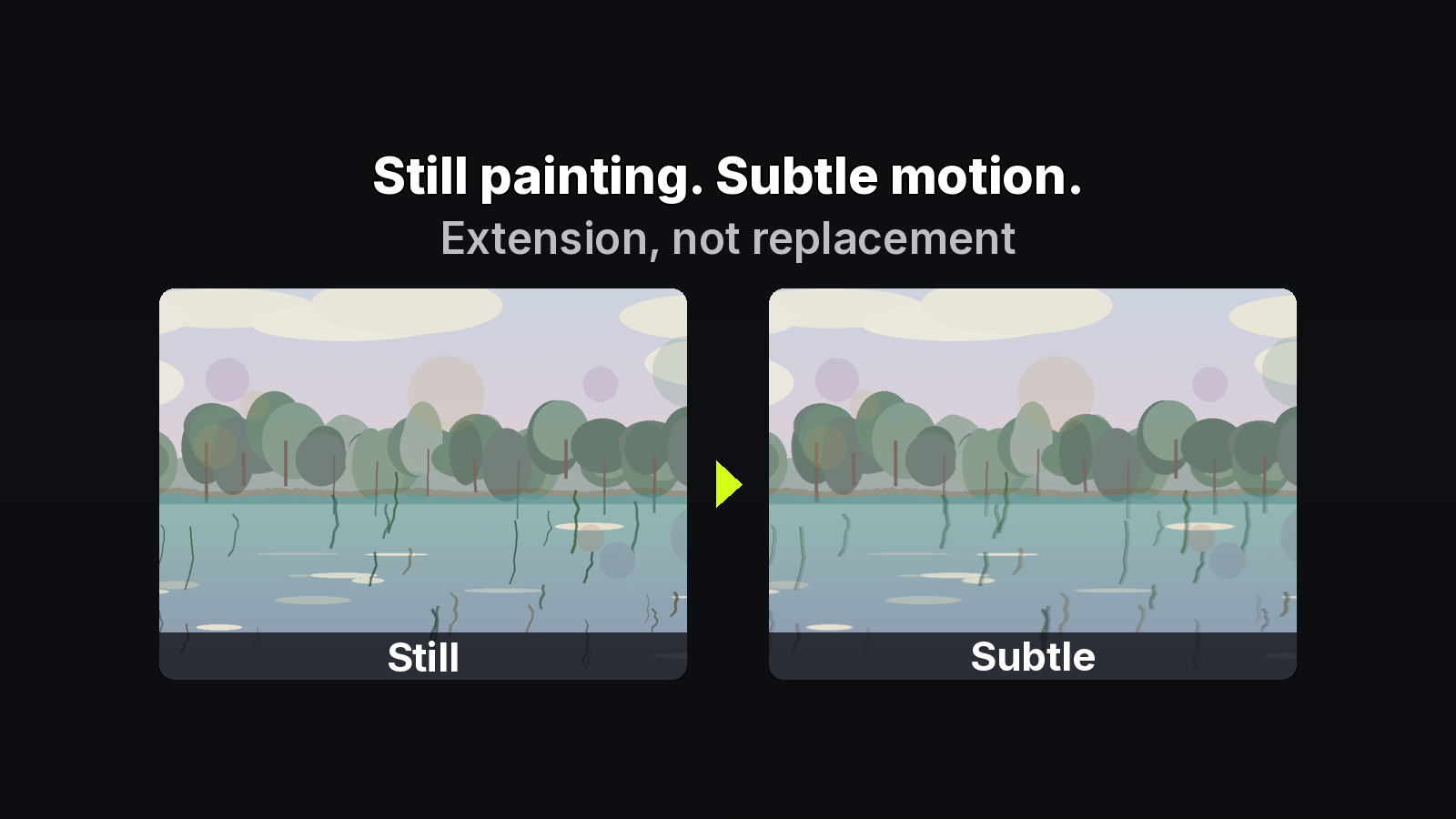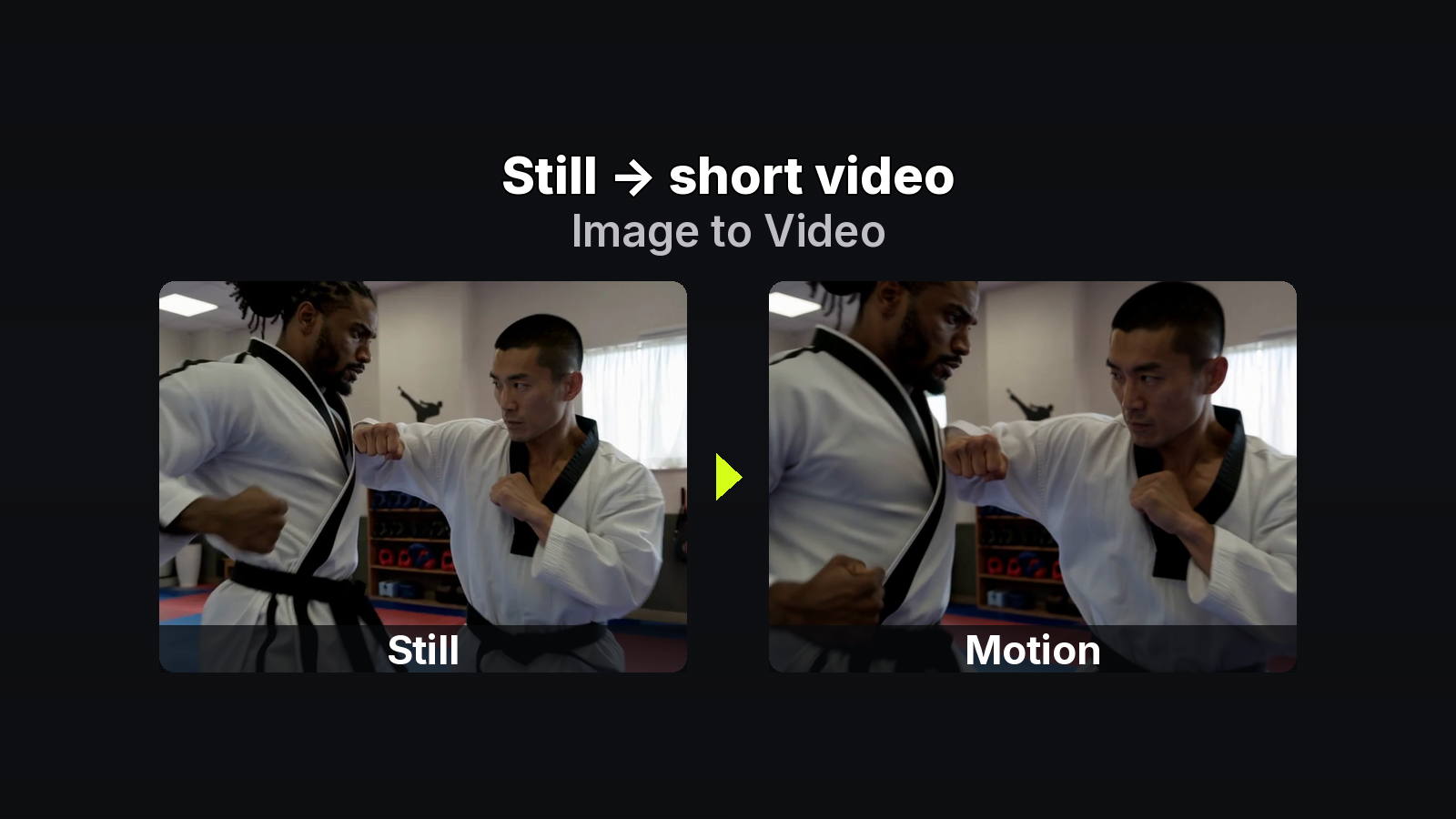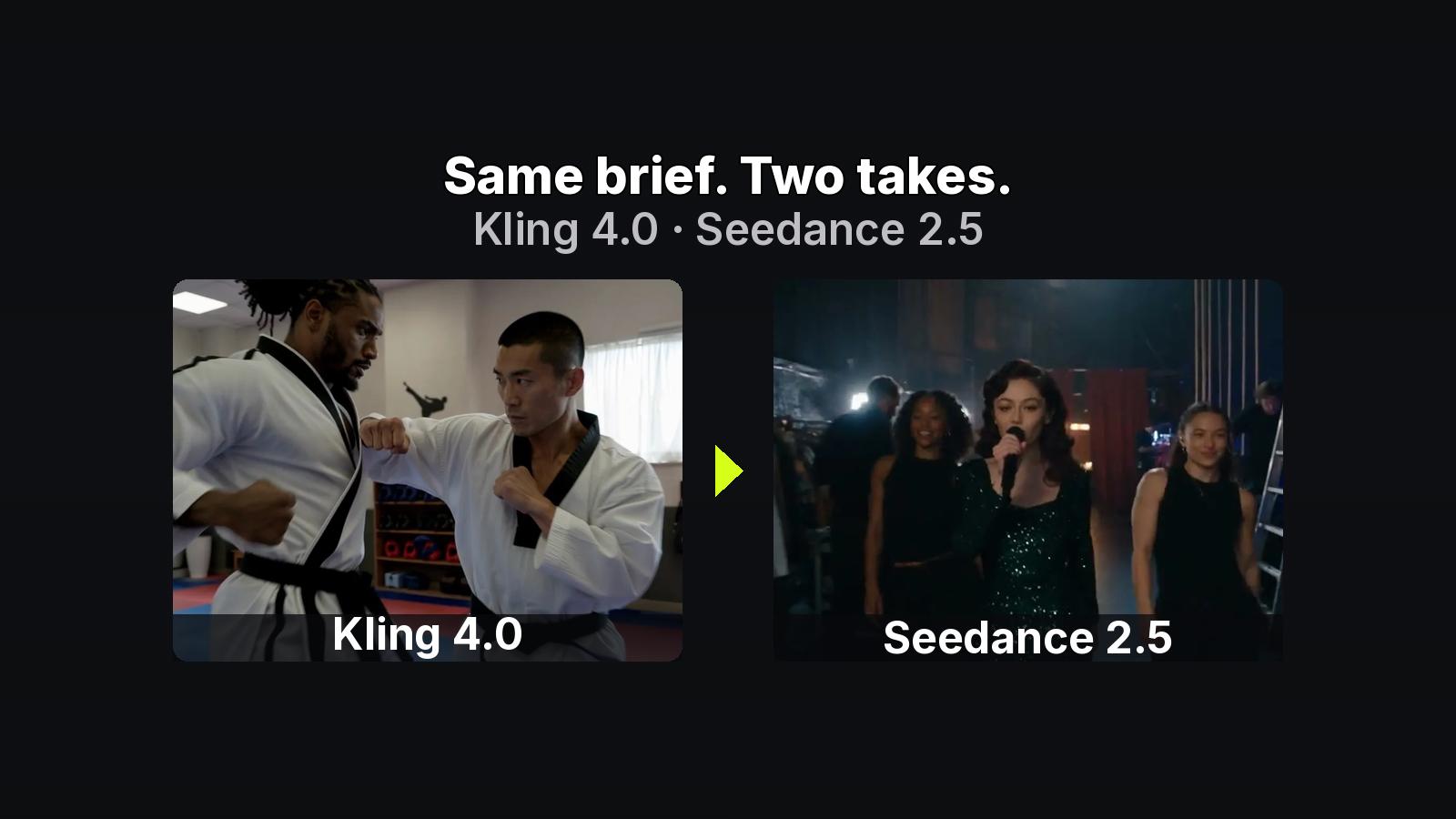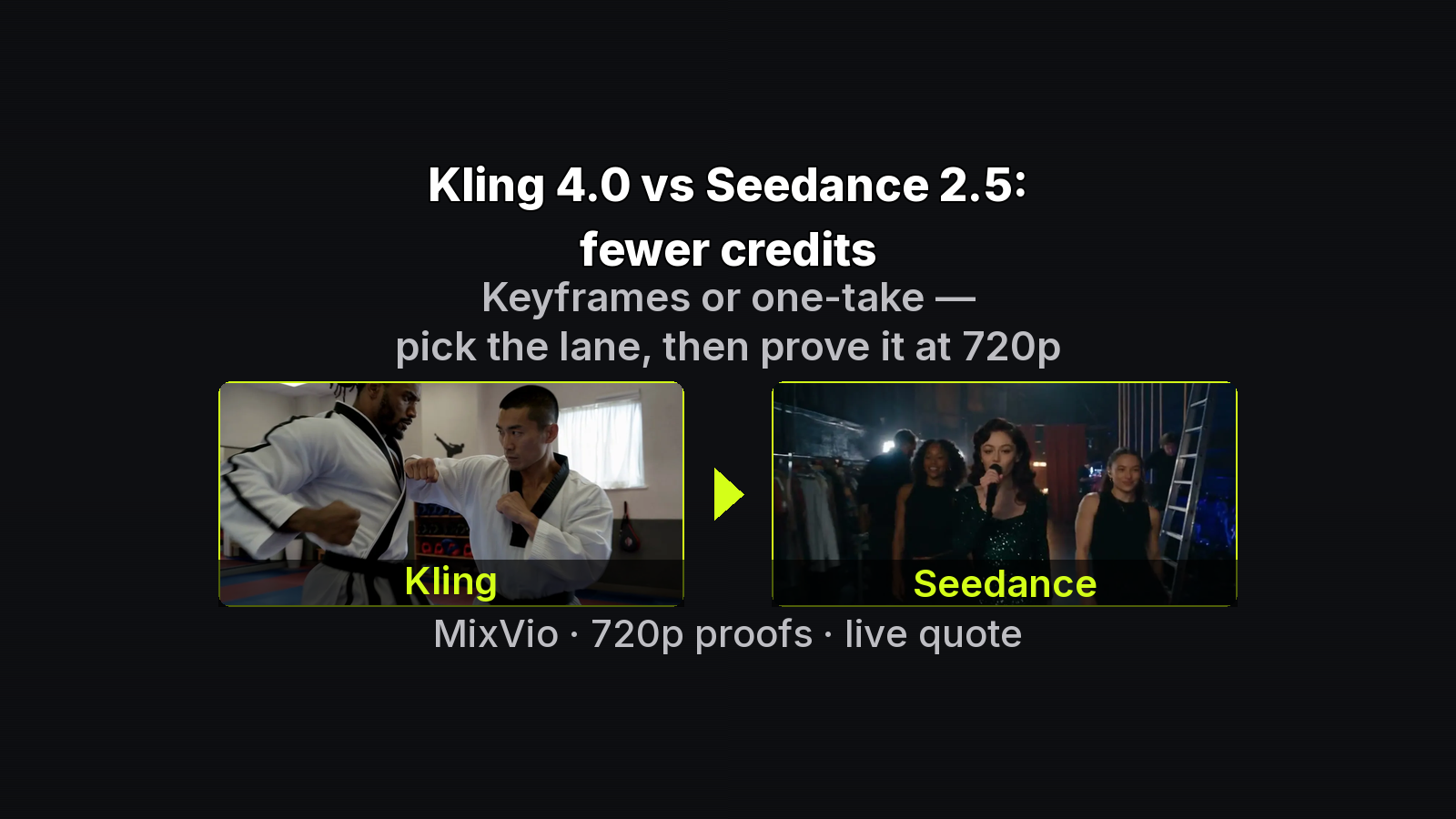
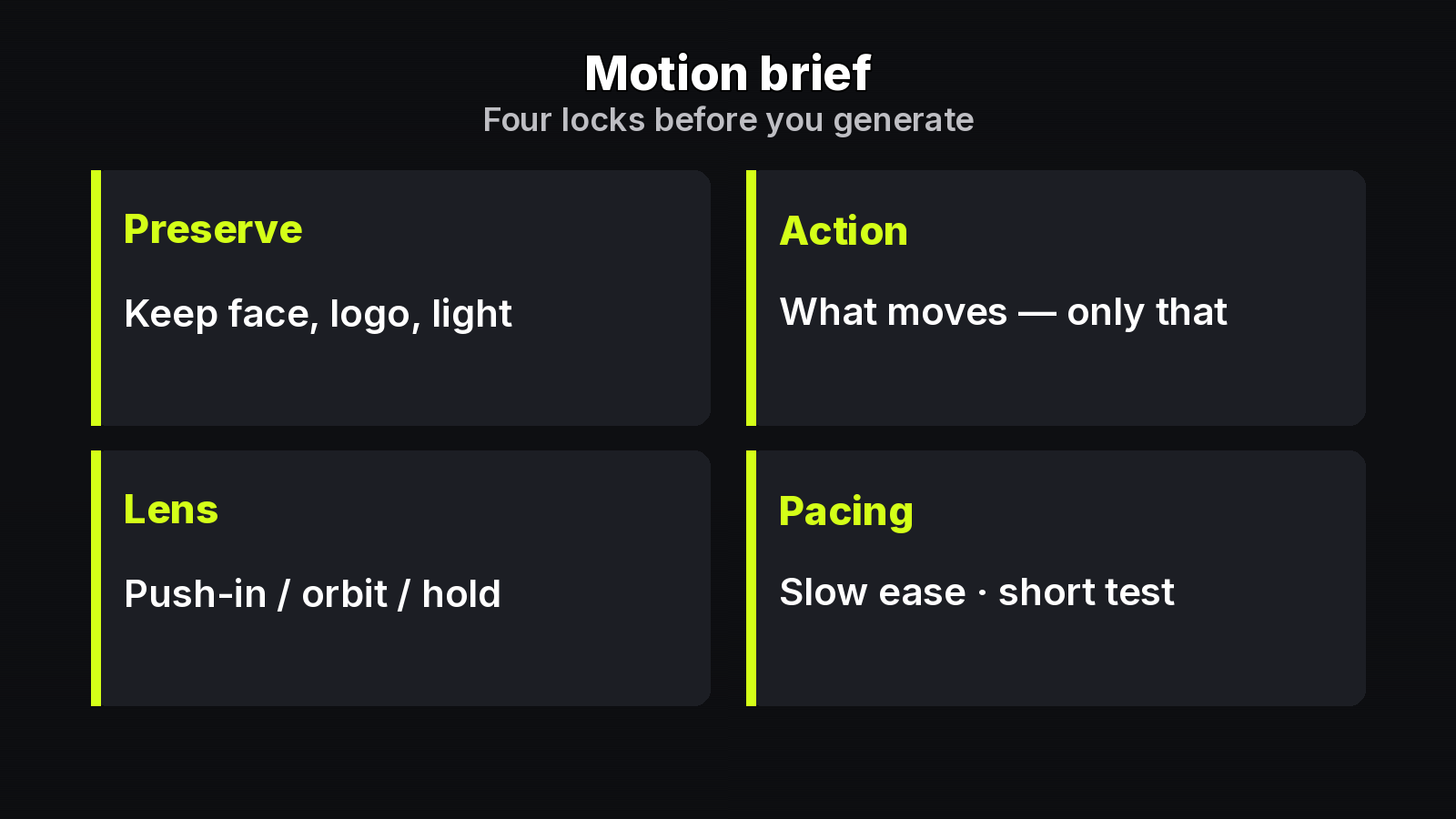
MixVio illustrative card: Preserve · Action · Lens · Pacing — our_generated structure graphic for lock-frame motion briefs.
Most Image-to-Video drift is a prompt problem dressed up as a model problem. Creators re-describe the whole scene every take, then wonder why identity slips. A motion brief fixes that: lock the still first, then describe only what changes.
This is a builder checklist for MixVio Image-to-Video — Preserve / Action / Lens / Pacing — not a beginner upload walkthrough and not a credits protocol. Specs match MixVio tool and model pages (checked 2026-11-02). Read the live quote before every Generate.
Preconditions: the still is already a contract
Before you write motion language:
- Own a JPEG / PNG / WebP keyframe or storyboard still you may animate.
- Optional MixVio helpers — AI Image Generator or Image to Image — can supply a board frame when needed. They are optional, not a required single-model pipeline.
- Prefer Image-to-Video once composition and identity are locked. Text-to-Video invents a new scene; Reference-to-Video helps with several refs.
Consistency gate (must be green): silhouette · face/product angle · materials/logo · light direction · background anchors. Anything that must survive goes under Preserve.
On MixVio home that contract sits in a multi-model workspace — keep one owned still; swap catalog routes later if you want a different motion personality on the same board.
The four-line motion brief
Do not re-paint the still in words. Fill four fields:
| Field | Job | Example |
|---|---|---|
| Preserve | Identity that must survive | bottle silhouette, green band, desk light |
| Action | The one motion | steam rises once |
| Lens | Motivated camera | locked camera / very slow push-in |
| Pacing | Tempo + length intent | slow ease; 5s test first |
A Markdown table is fine on Hashnode for a builder checklist (Medium forbids MD tables; this platform does not).
Weak briefs: “Make this cinematic.” / “Animate the whole scene dramatically.”
Stronger briefs:
- “Preserve bottle silhouette, green band, and desk light; only steam rises once; locked camera; slow ease; 5s test.”
- “Keep logo readable and face angle; hand lifts the cup once; very slow push-in; no whip pans.”
- “Hold composition; cloth settles; soft daylight unchanged; short take.”
Why one variable per take
If you change Action and Lens together, you cannot tell which broke the lock. Production iteration is boring on purpose:
- Upload the locked still once.
- Paste Preserve / Action / Lens / Pacing as the motion prompt.
- Start short + lower-res — prove the lock.
- Change one field per take (Action or Lens or Pacing).
- Keep the take that honors Preserve; discard drift.
Reject random zooms. Every camera move needs a reason — that is motivated camera, not “cinematic” as a synonym for noise.
Run it in the MixVio workspace
Open the motion-brief I2V desk in Chrome. Prefill spends nothing until Generate. Keep one job on that single board while you compare catalog routes.
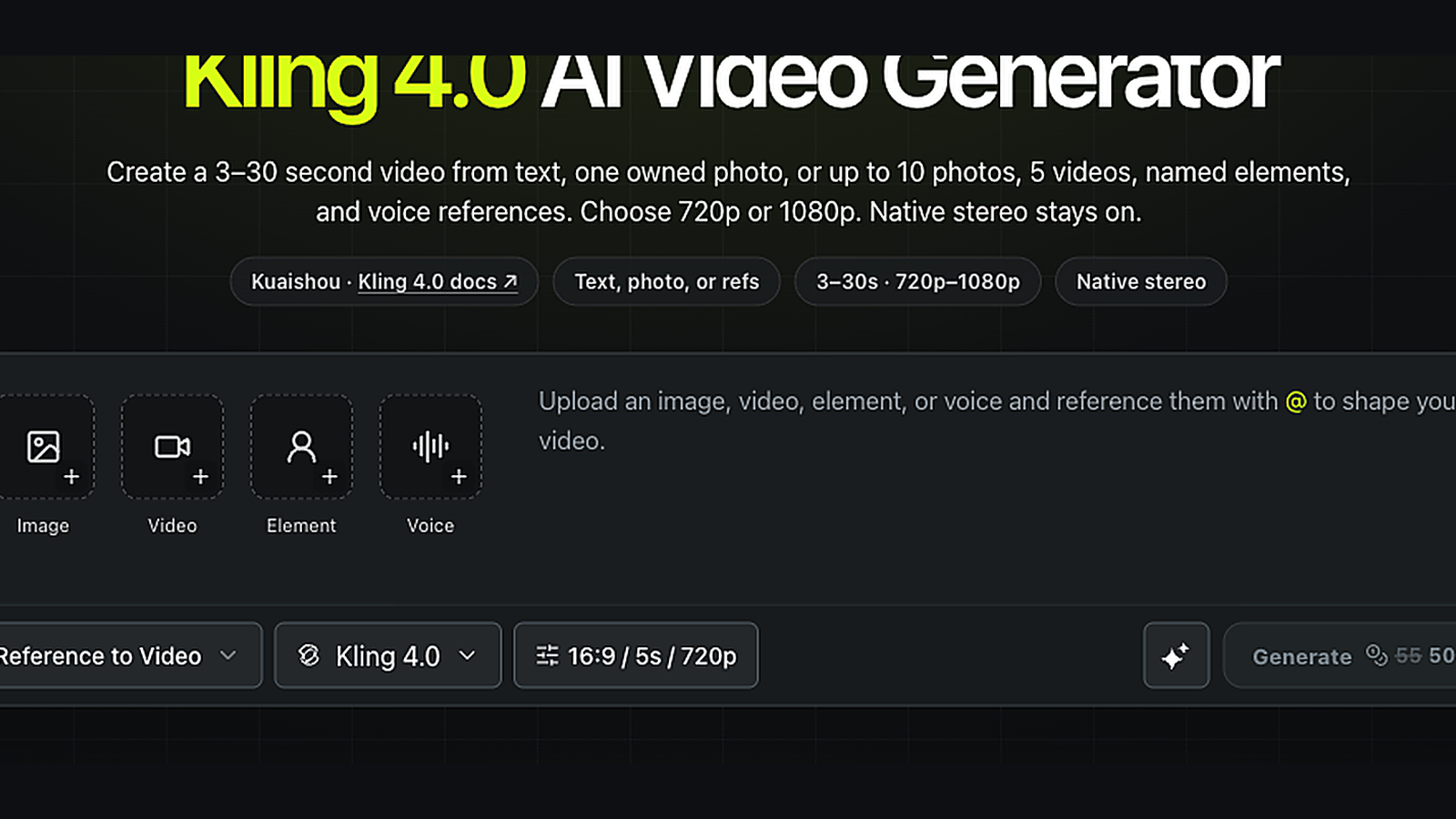
MixVio workspace capture: live Generate quote area (signed-in UI still; digits in-frame are a past quote example and may differ from current model-page anchors) — confirm your own reservation before Generate.
Useful MixVio route hints when the brief is stable (selection copy — not a ranked league):
- Seedance 2.5 — longer single takes (about 4–30s).
- Seedance 2.0 — subject lock toward 1080p–4K on Standard.
- Kling 4.0 — larger camera or subject action when the lock still holds.
- MiniMax H3 (Hailuo 3.0) — first/last-frame style control when supported.
- Veo 3.1 / Veo 3.1 Fast — short polished beats (4 / 6 / 8s).
- Gemini Omni Flash — lower-credit motion proofs before you spend up.
Model-page anchors (examples only)
- Seedance 2.0 — Mini 4s · 480p = 5; Standard from 19; Standard 5s · 720p = 49; Standard 5s · 1080p = 118.
- Seedance 2.5 — 4s · 480p = 27.
- Kling 4.0 — default 5s · 720p = 43.
- MiniMax H3 — default 5s · 768p = 8; Veo 3.1 Fast 720p = 10; Gemini Omni Flash from 15.
Duration headroom reminder: most public I2V routes about 3–15s; Seedance 2.5 about 4–30s; Veo 4 / 6 / 8s; Kling 4.0 whole seconds 3–30. Exact chips live in the generator.
Vendor background: Kling 4.0 user guide · Seedance 2.5. MixVio limits and the live reservation win.
Failed or safety-cancelled runs release the reservation on MixVio’s pricing page (Kling’s “return reserved credits” is compatible). Free-plan video is evaluation-only; paid may be commercial under ToS + provider rules when you have rights. Uploads stay private workspace assets.
Checklist you can paste
[ ] Still owned + rights OK (JPEG/PNG/WebP)
[ ] Consistency gate green (silhouette / face / materials / light / bg)
[ ] Preserve filled (identity only)
[ ] Action = one motion
[ ] Lens motivated (no random zooms)
[ ] Pacing = short test first
[ ] Live quote read before Generate
[ ] One variable changed if re-running
Bottom line
A motion brief turns Image-to-Video from lucky re-prompting into a production loop: lock the still, write Preserve / Action / Lens / Pacing, iterate one variable at a time, and read the live quote. When you want to run that checklist on your own keyframe, Run the motion brief on MixVio.
About the author
- MixVio AI is a multimodal creative workspace for generating and editing images, video, and audio with leading AI models and practical creative tools.
Comments
Join the discussionNo comments yet. Be the first to comment.