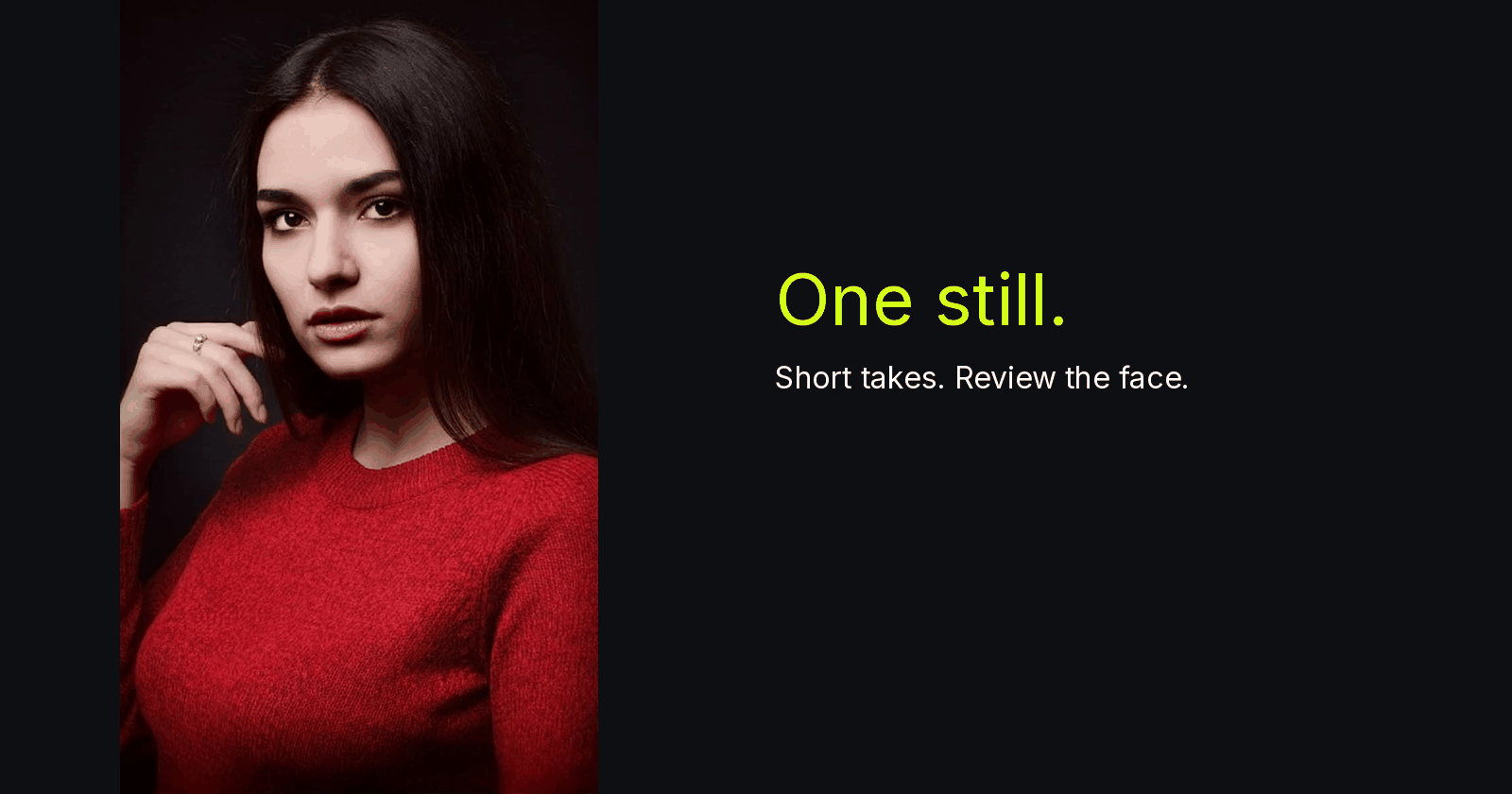
A short portrait clip is easier to judge if you record what you saw, when you saw it, and which interval you kept. This tutorial describes a local review log you can keep in a text file or a small script. It is an editorial method, not a product feature, and it does not detect identity or lock a face.
The workflow is simple: store the source still, request one modest action, extract frames at chosen timestamps, compare them with the still, and write an out-point before the first change you would not accept. The log is the artifact. The clip is only useful if the log can explain why a section stayed in.
A portrait clip review log timestamps face drift
Keep the log next to the media, not in a caption you will forget. A compact JSON record is enough:
{
  "id": "take-003",
  "still": "refs/portrait.jpg",
  "clip": "out/take-003.mp4",
  "action": "slight gaze lift, slow push-in",
  "first_suspect_s": 2.40,
  "out_point_s": 2.16,
  "notes": "left eyelid reshapes on lift"
}
Write the note in concrete terms. “Left eyelid reshapes on lift” can be checked later. “Looks strange” cannot. first_suspect_s is the first moment you would reject. out_point_s should sit before that moment, then be confirmed in normal-speed playback.
If you prefer a line-oriented file, a CSV with the same fields works. The format matters less than filling it in before you move to the next take.
Extract frames you can actually compare
Do not judge likeness only from the player’s poster or from the first and last thumbnails. Pull frames at the start, at the suspect time, and at the proposed out-point. Using ffmpeg:
ffmpeg -y -ss 0.00 -i take-003.mp4 \
  -frames:v 1 review/take-003_t000.png
ffmpeg -y -ss 2.16 -i take-003.mp4 \
  -frames:v 1 review/take-003_t216.png
ffmpeg -y -ss 2.40 -i take-003.mp4 \
  -frames:v 1 review/take-003_t240.png
Each command stays within an 80-character line after wrapping as shown. -ss before -i is a fast seek; if you need a more exact frame, place -ss after the input. The files above are local review stills, not a measured likeness test and not a product screenshot.
Put the original photograph beside those frames. For a close portrait, compare jaw contour, eyelid shape, hairline, and the chin-to-collar relationship. For a full-body still, add posture and garment silhouette. Do the comparison at the crop you intend to show, not only at thumbnail size.
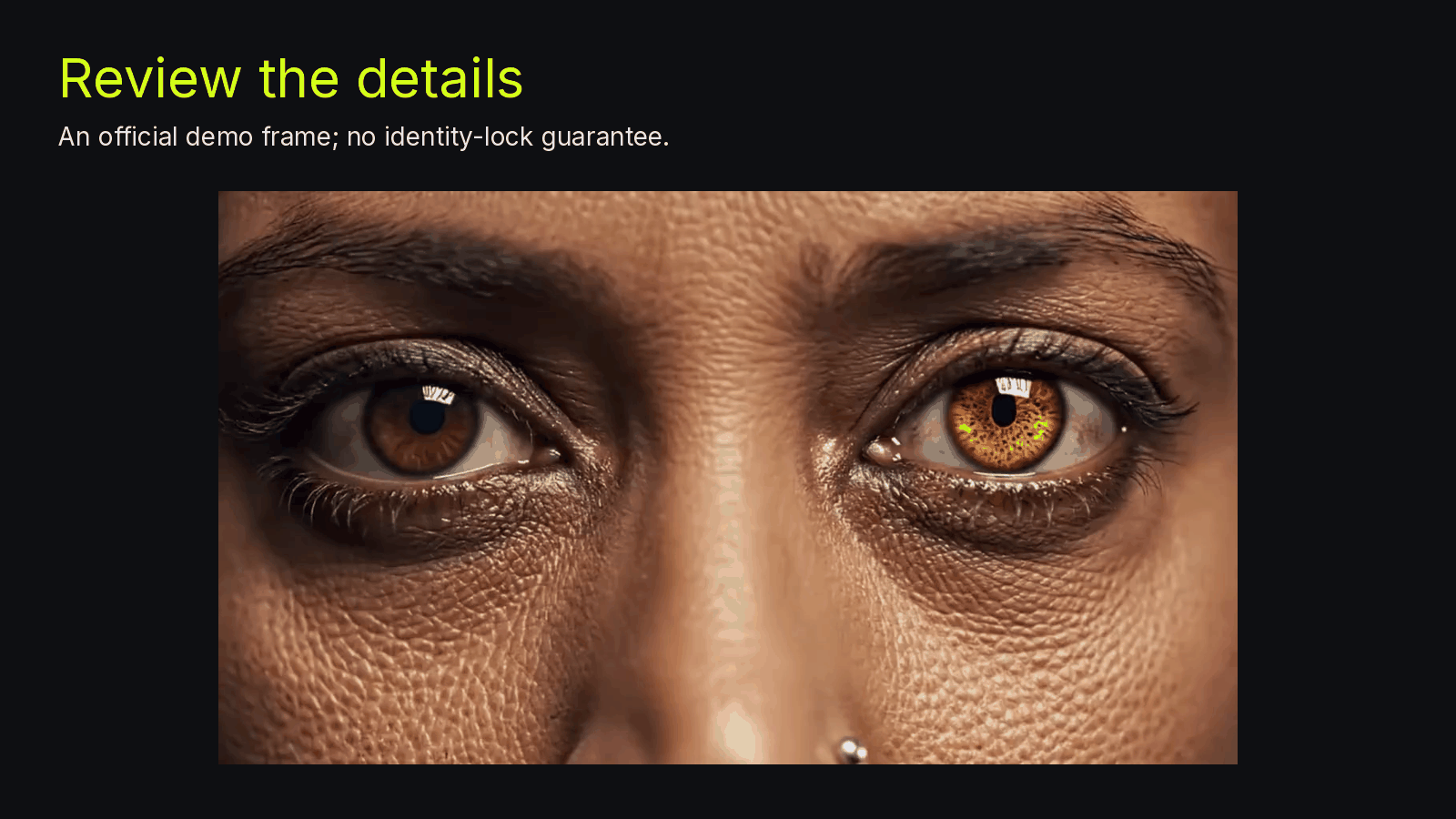
Official MixVio Image to Video demo (heterochromia-gaze). Use a frame like this to inspect eyelids and other fine details; it is a different official subject from the cover portrait, not a same-person identity-lock test, and not a product guarantee. The 1600-pixel width is a letterboxed canvas, not a native wide result or a measured quality test. Source: MixVio Image to Video demo.
What “locked” means in the log
The still path in the record is the reference you approved. “Locked” here is a folder convention: you do not overwrite refs/portrait.jpg when a later take looks tempting. It is not a product setting that freezes identity.
Use a clear, well-lit photograph with a readable subject. Avoid a tiny face or a heavily compressed source if you can. A hosted Image-to-Video tool such as the Image-to-Video page used for these takes accepts JPEG, PNG, or WebP and returns one short private MP4 per run. You must own or be authorized to animate the image, and you need rights and consents for every face.
Available durations depend on the selected route. “Short” is an editorial choice in the log, not a default length. Read the live quote on the page before you submit. Quoted credits are reserved at submission and released on failure or safe cancellation. Creative dissatisfaction is not a technical failure, and a submitted provider request may not be cancelable.
Choose an out-point, then verify it in motion
A paused frame can hide a brief wobble. After you write out_point_s, play from a second earlier through the cut at normal speed. If the problem is still visible, move the out-point earlier and update the log.
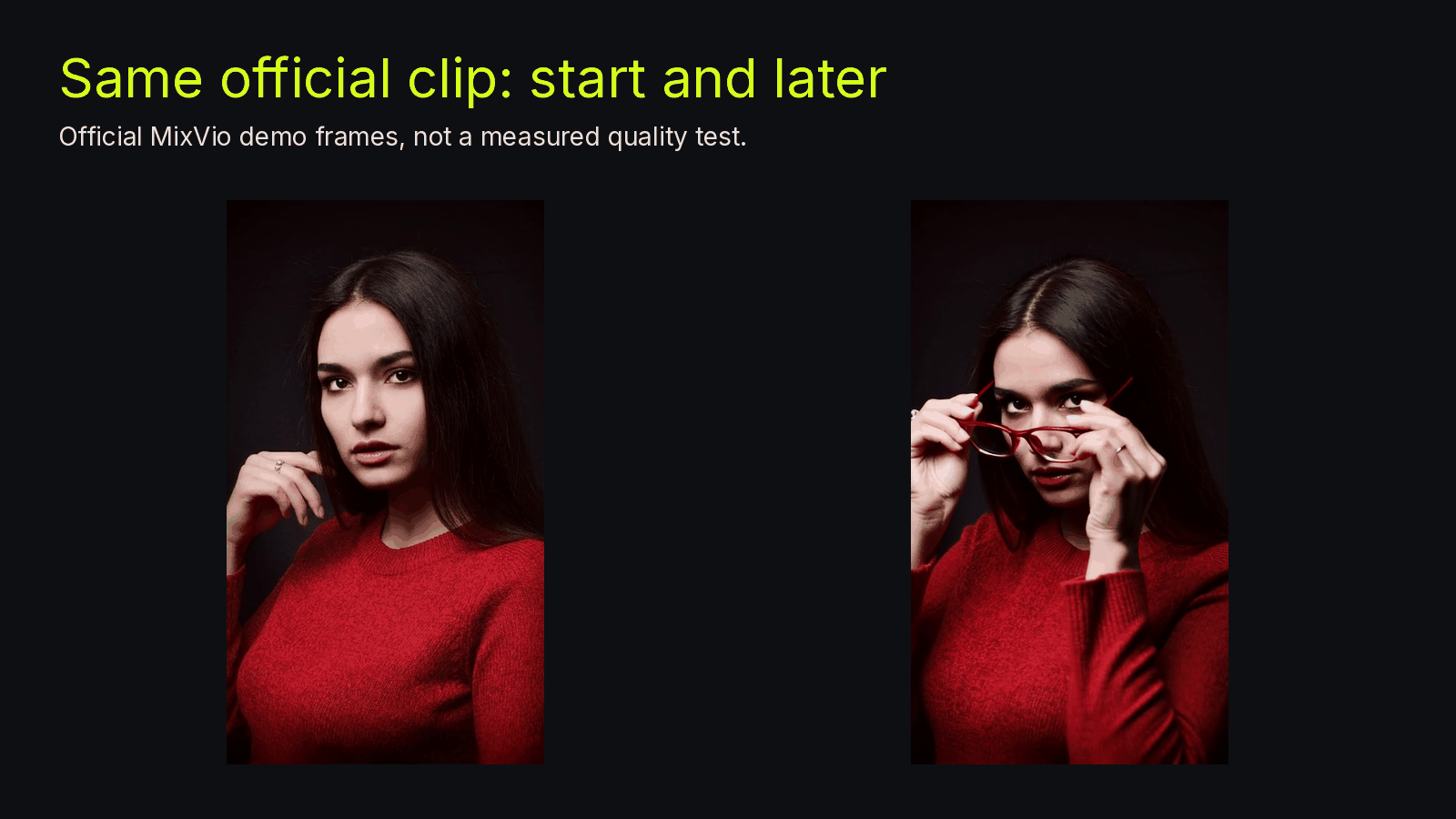
Official MixVio Image to Video demo (portrait-gaze): a start frame and a later frame from the same clip, shown as a review habit. This is the same official subject as the cover still. Not a measured likeness test, and not a comparison of an upload against a generated result. Source frames are narrower than this 1600-pixel canvas. Source: MixVio Image to Video demo.
Do not promote a distorted ending into the next still. If you need another gesture, return to the original photograph. A conservative crop of that still may be enough. Any frame extracted from a previous take must be compared with the original before reuse; being exported from a keeper does not make it a safe new reference.
If the retained interval is too short to use, simplify the requested action and generate again. Additional runtime is more material to inspect, not a repair.
A small helper can reject incomplete rows before you archive them:
def valid(row):
    if row["out_point_s"] >= row["first_suspect_s"]:
        return False
    return bool(row["notes"] and row["still"])
This only checks the record. It does not score likeness.
Assemble keepers outside the generator
The log should also say which takes entered the edit. In your own timeline editor, use only accepted intervals. Matching skin warmth or adding a licensed room-tone bed are finishing choices in that editor. They are not built-in MixVio tools, and grading cannot repair a jaw or nose that has already changed.
On the next attempt, change only the action or the camera request so the log can show what you compared. If every row fails the face check, stop collecting clips and reconsider whether that motion is worth asking of this photograph.
MixVio does not guarantee exact facial likeness or consistent identities, clothing, poses, choreography, or timing. A clearer photograph or a higher resolution does not remove those limits. The log is a way to apply that limit consistently.
For route names hosted in the workspace, the official Kling 4.0 guide and Seedance 2.5 introduction provide provider context. Those pages do not establish which controls exist in the hosted tool. Check the selected route rather than copying a vendor demonstration into the log as a fact.
FAQ
Can a script certify that the face stayed the same?
No. The script can store timestamps and prevent sloppy records. Likeness is still a human comparison against the still.
Does a private output mean the portrait stays only on your machine?
No. Workspace assets are private, but necessary media, prompts, and settings go to providers and relevant processors. Private storage is not a blanket no-processing or no-training promise.
Bottom line
Write the suspect time, then keep an earlier out-point you have already replayed. The review log is how you remember that decision. It is not a likeness guarantee and not an identity-lock feature.
About the author
- MixVio AI is a multimodal creative workspace for generating and editing images, video, and audio with leading AI models and practical creative tools.
Comments
Join the discussionNo comments yet. Be the first to comment.